> ## Documentation Index
> Fetch the complete documentation index at: https://docs.domino.ai/llms.txt
> Use this file to discover all available pages before exploring further.
# Work with Project assets
The Assets Portfolio shows assets in projects that you own or in which you are a [collaborator](/cloud/platform-capabilities/core-concepts/projects/collaborate-on-projects). These assets can be Domino endpoints, Apps, Launchers, or Scheduled Jobs. Domino [System Administrators](/cloud/admin/identity-and-access/manage-users/roles) see assets in all projects across the Domino instance, and Domino [Project Managers](/cloud/admin/identity-and-access/manage-users/roles) see assets in all projects owned by users in their [organizations](/cloud/platform-capabilities/features/collaboration/manage-organizations).
## See the assets for your Project
1. In the top navigation pane, click **Govern > Assets Portfolio**.
2. When first opened, the Assets Portfolio shows Domino endpoints by default. Click an asset type to view.
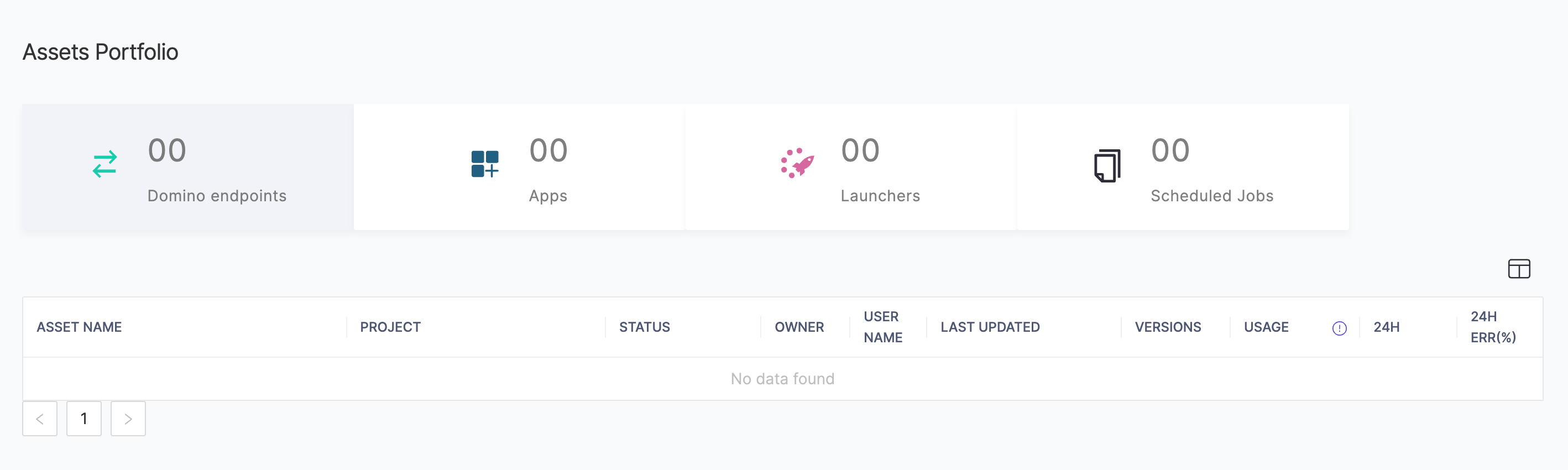 For each asset type, the table shows metrics and information specific to that asset.
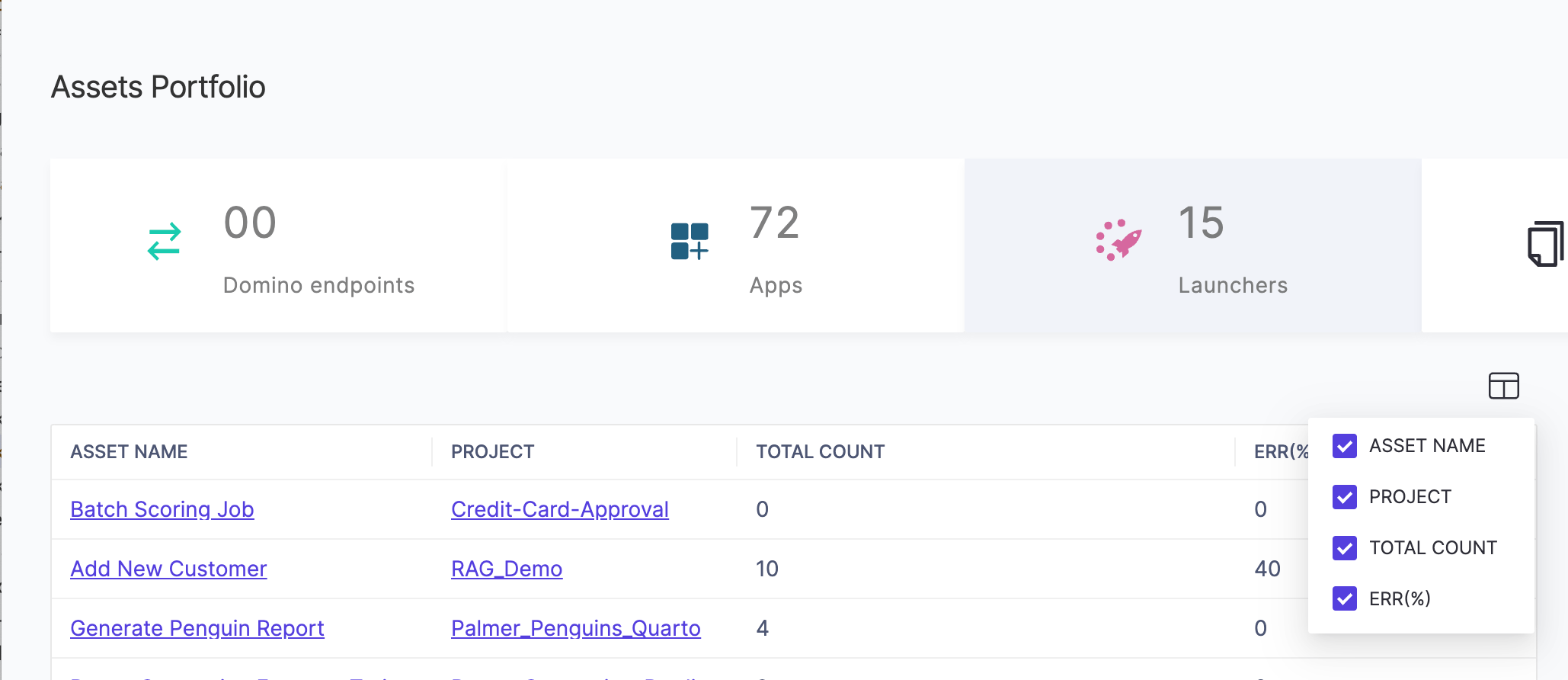
3. You can select which columns to view with the column-picker.
For each asset type, the table shows metrics and information specific to that asset.
3. You can select which columns to view with the column-picker.
 ## Next steps
* Learn about [project file security and sharing](/cloud/platform-capabilities/core-concepts/data/sharing-and-security).
* Learn about [special files in projects](/cloud/platform-capabilities/core-concepts/projects/work-with-project-files#_special_files).
* Learn about [code, data, and artifacts in Git-based projects](/cloud/platform-capabilities/core-concepts/projects/manage-git-projects/organize-project-assets).
* Learn about [data and code in DFS-based projects](/cloud/platform-capabilities/core-concepts/projects/manage-dfs-projects/organize-project-assets).
## Next steps
* Learn about [project file security and sharing](/cloud/platform-capabilities/core-concepts/data/sharing-and-security).
* Learn about [special files in projects](/cloud/platform-capabilities/core-concepts/projects/work-with-project-files#_special_files).
* Learn about [code, data, and artifacts in Git-based projects](/cloud/platform-capabilities/core-concepts/projects/manage-git-projects/organize-project-assets).
* Learn about [data and code in DFS-based projects](/cloud/platform-capabilities/core-concepts/projects/manage-dfs-projects/organize-project-assets).