

- Project settings
- Run history
- Scheduled jobs
- Task Assignee
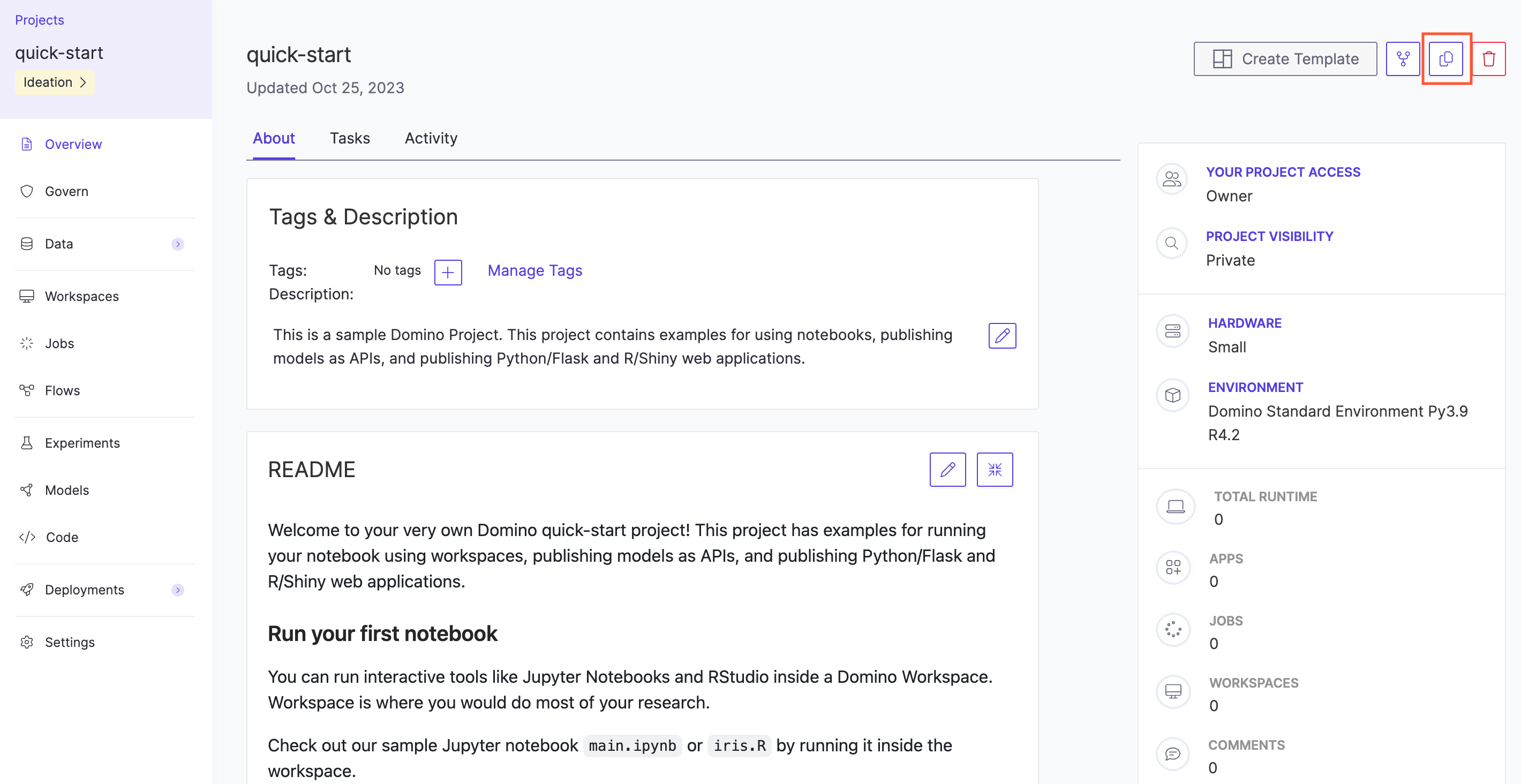
Copy a Project
- Go to the project and the Overview page opens.
-
Click the copy icon.
- Type the name for the new project and click Copy. The new project’s Overview page opens.
To copy Git-based projects, see Project Templates.