

See the assets for your Project
- In the top navigation pane, click Govern > Assets Portfolio.
-
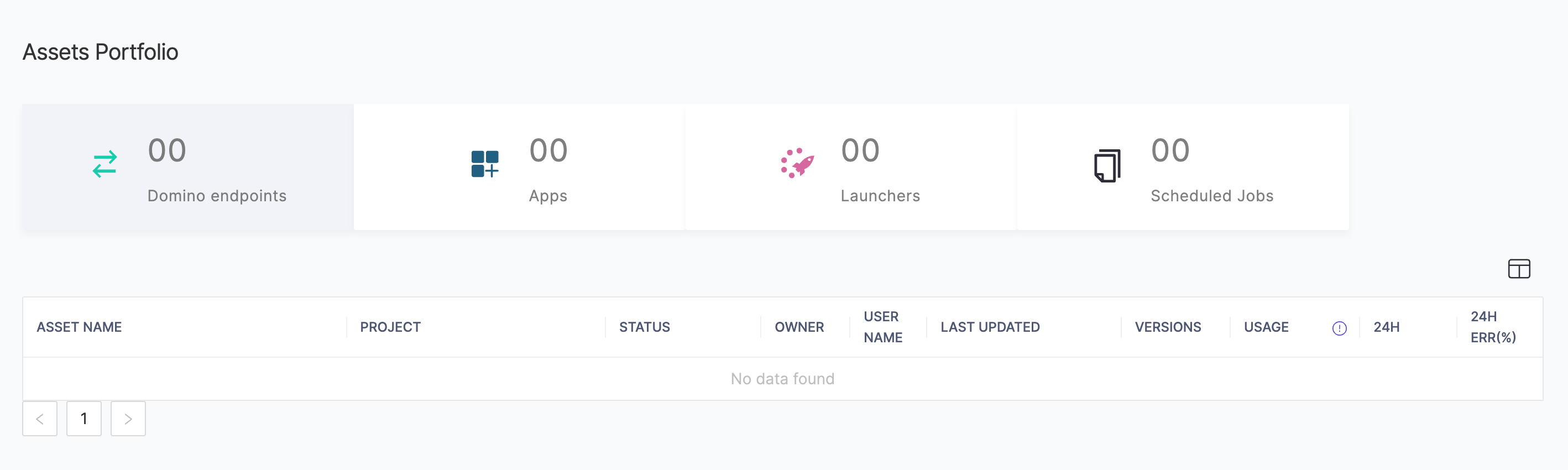
When first opened, the Assets Portfolio shows Domino endpoints by default. Click an asset type to view.
-
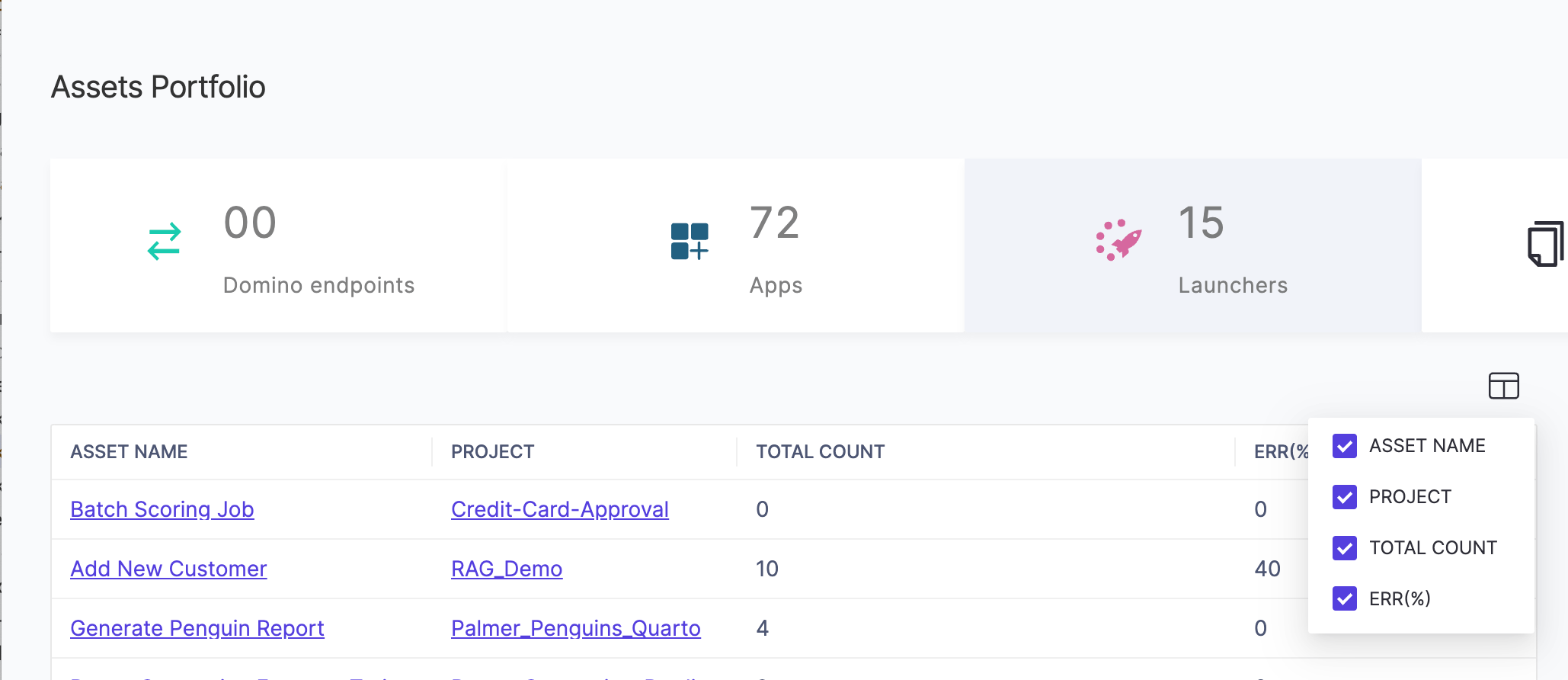
You can select which columns to view with the column-picker.
Next steps
- Learn about project file security and sharing.
- Learn about special files in projects.
- Learn about code, data, and artifacts in Git-based projects.
- Learn about data and code in DFS-based projects.