

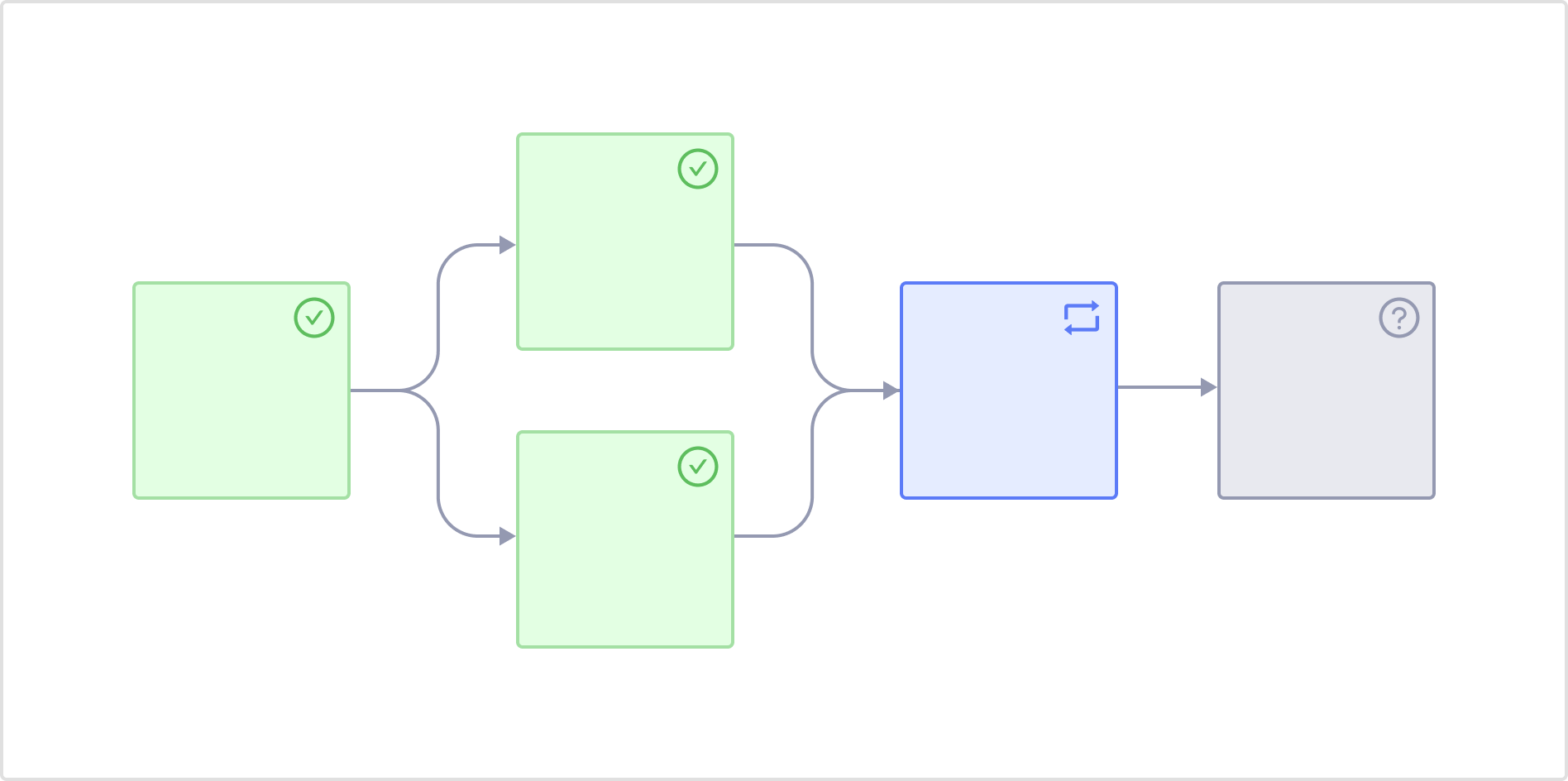
To support reproducibility, each task must be side-effect free by reading versioned inputs, and writing defined outputs.
When to use flows
Flows is flexible enough to declaratively model arbitrarily complex processes. Dependency relationships between tasks determine the order in which they run and whether they can be parallelized. Scenarios spanning machine learning, data engineering, and data analytics benefit from this level of control and reproducibility. For instance, Flows would be an ideal choice for scenarios like:- Executing a data processing workflow in Dask prior to a training workflow in XGBoost.
- Running a clinical study pipeline by loading SDTM datasets to produce ADaM datasets and TFL reports.
- Collecting image metadata from S3 with Spark and performing model inference with PyTorch.
- Loading financial data from Snowflake, processing it for use in a Ray training job that registers a model in MLflow.
- Processing a local protein database to search for a nucleotide sequence and generating a scatterplot.
Flow tasks vs standalone Domino Jobs
Flows extends the Domino Job system with key new functionality including:- Programmatic Python based authoring of versioned, reusable, repeatable, immutable workflows.
- Strongly typed definitions of inputs being consumed and outputs being produced for each task.
- Automatic lineage and versioning of all task and workflow inputs and outputs.
- Heterogeneous, isolated environment support for any task.
- Stronger reproducibility requirements and guarantees.
- Visualization of the workflow execution graph and the ability to inspect and monitor each task, its inputs and outputs.
- Parallel execution of tasks at scale.
- Configurable caching and task result reuse anywhere within the workflow.
- Flow Artifacts for discovery, inspection and reuse of specially annotated outputs within a project.
- Automatic recovery from intermittent failures and manual recovery of partial executions.
Important terms
Some key terms to understand before getting started with Flows include:Next steps
- See Get started with Flows to understand the key concepts before you get started with Domino Flows.
- Define Flows via a code-first approach using Flyte’s Python SDK.
- Explicitly define Flow Artifacts in your code.
- Once Flows are defined, you can register and launch them.
- Use the comprehensive Domino Flows user experience to monitor Flows.
- After you have defined Flow Artifacts, you can examine them.
- Find out how every flow, task, and execution are uniquely versioned in Domino Flows to guarantee reproducibility.
- Learn more about the advanced capabilities that you can use in Domino Flows.