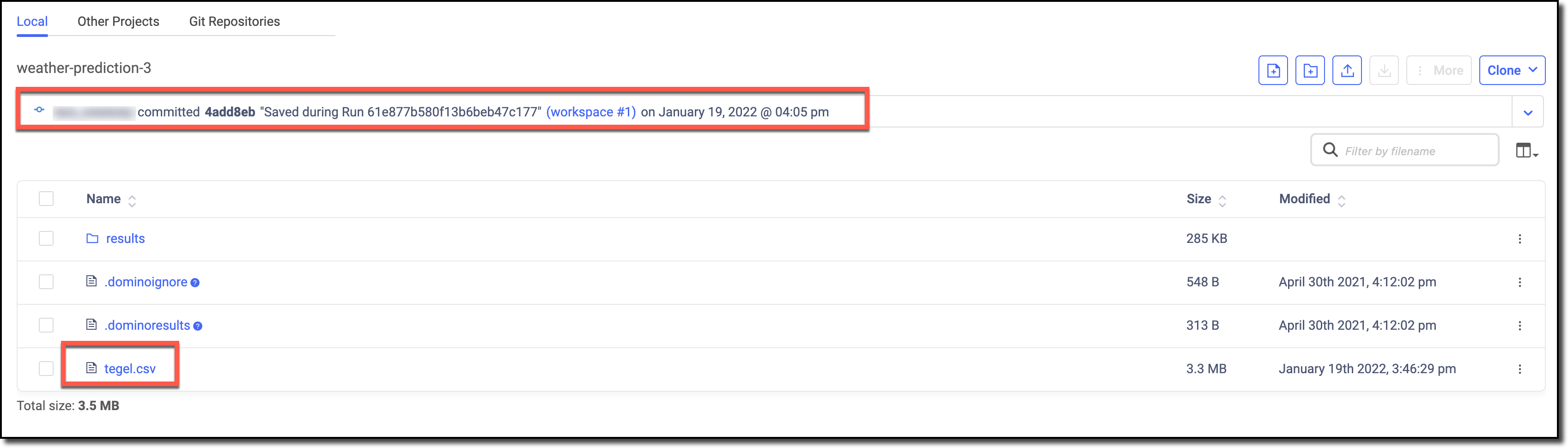
Work with data in Domino:
- You can copy your data into Domino. If you are working with data on your local machine or in a shared server, you might want to upload your data into Domino.
- You can query your data from Domino. If you have a large dataset stored in a database or data service, you might have to query the database or the API for the data service.
Step 1: Copy data to Domino project
In this step, you’ll use the terminal to copy your data into the project. The starting file path in your workspace is/mnt. By default, this is considered the root of your Domino project. If you add or modify files in /mnt, you can save them back to your project when you stop or sync the workspace.
-
Copy and paste the following command to fetch data from the U.S. NOAA Climatology service.
-
Go to the Current Folder to see the downloaded file.
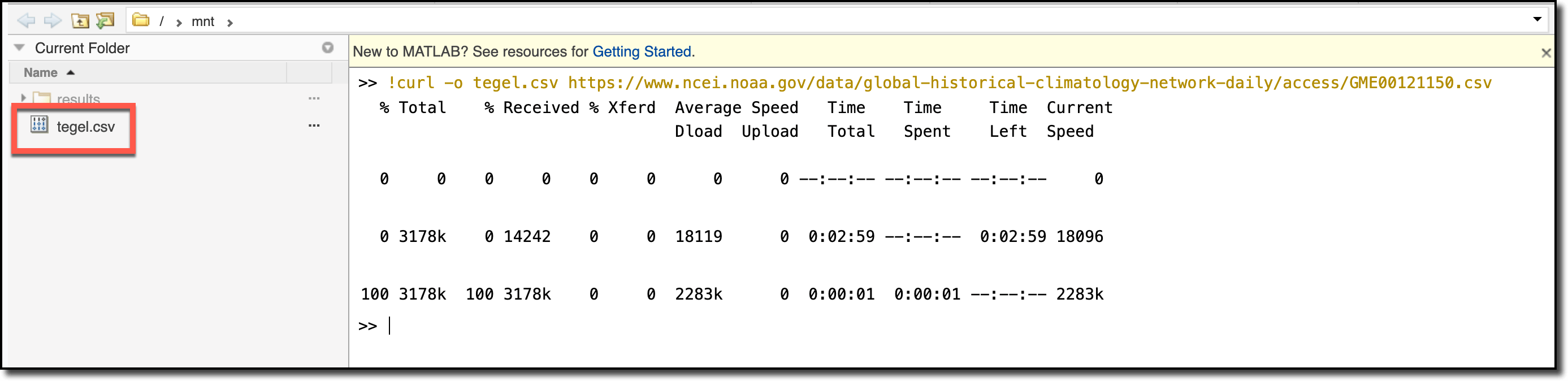
The temperature data is in tenths of Celsius degrees. Learn more here: README File for Daily Global Historical Climatology Network.
Step 2: Save data to Domino project
-
In the navigation bar, click the File Changes icon.
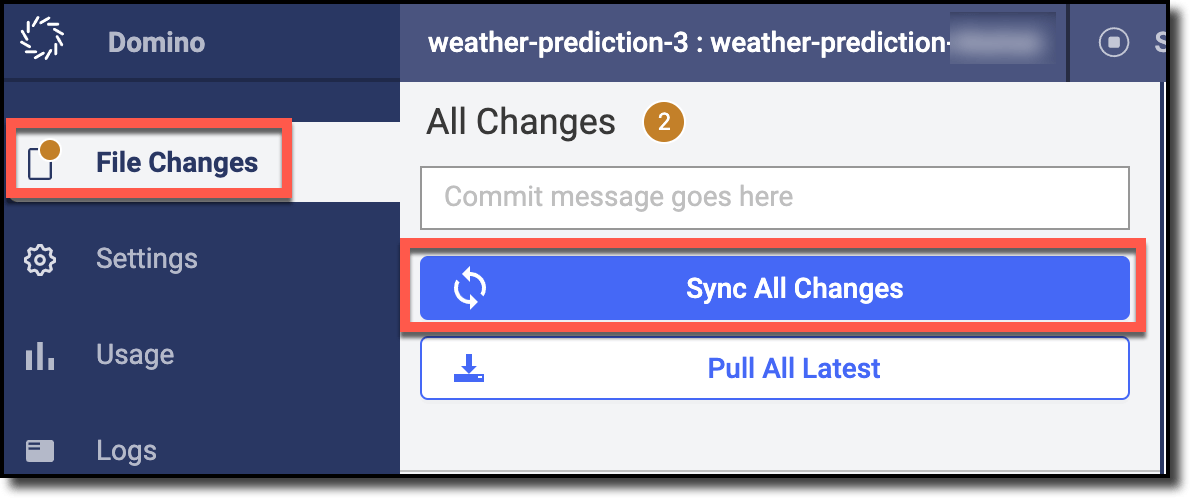
- Click Sync All Changes.
Step 3: Review your changes
-
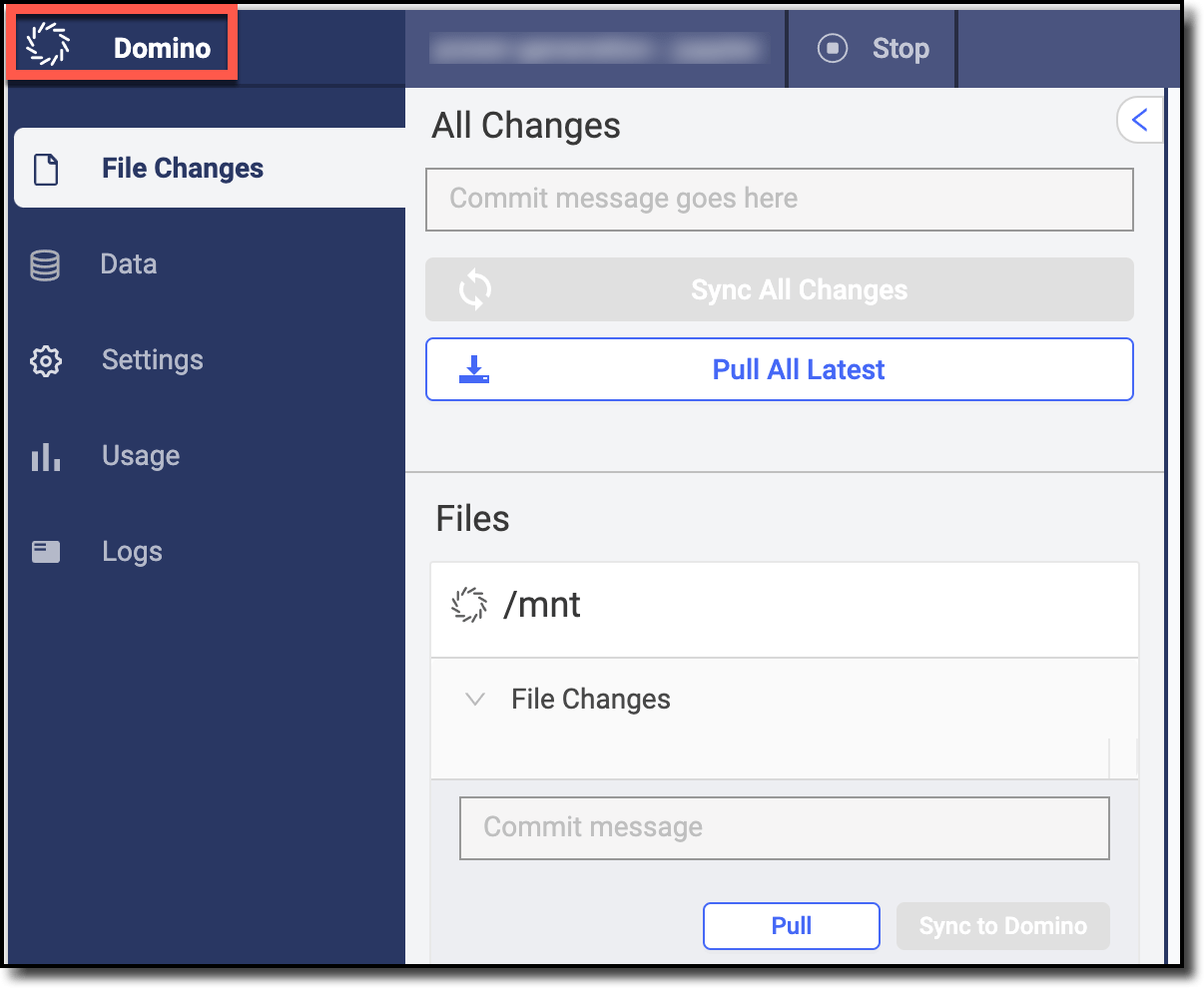
Click Domino.
-
In the navigation bar, click Code to see the file that you downloaded in the previous steps. Notice that a new revision has been saved.