

Remote data planes are needed to use EDVs in Domino Cloud.
Add an EDV to a Project
-
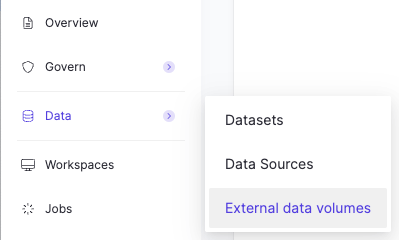
In your project, go to Data and click External data volumes.
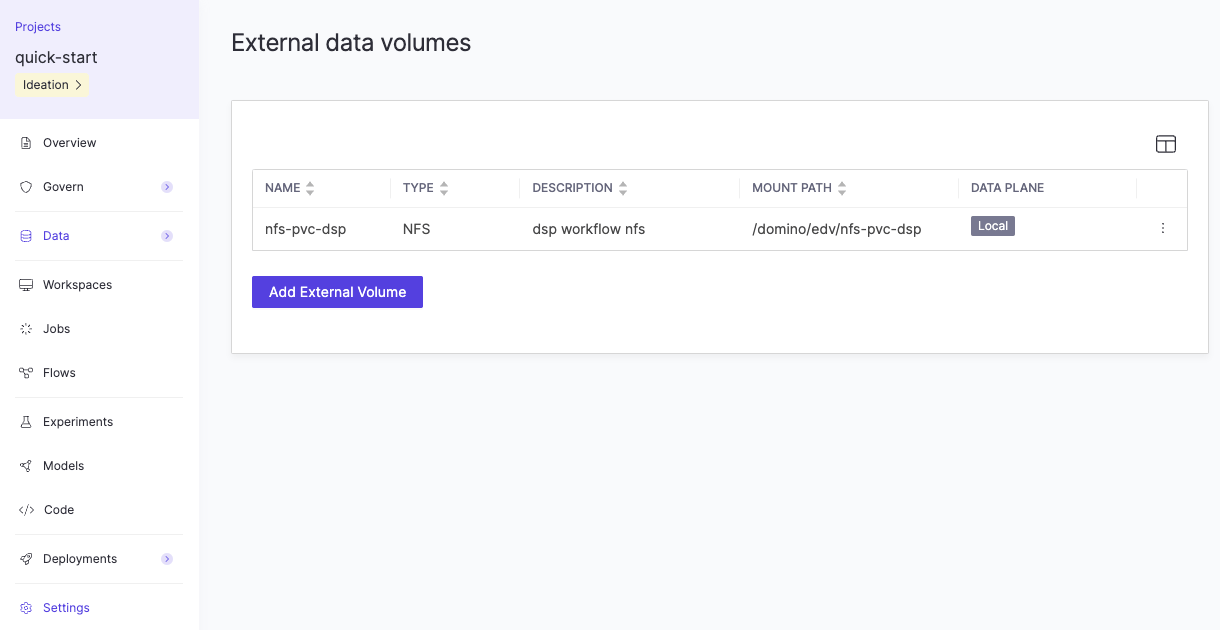
- Click Add External Volume.
- Select an EDV from the list.
- Click Add.
Remove an EDV from a Project
- In your project, go to Data > External data volumes.
-
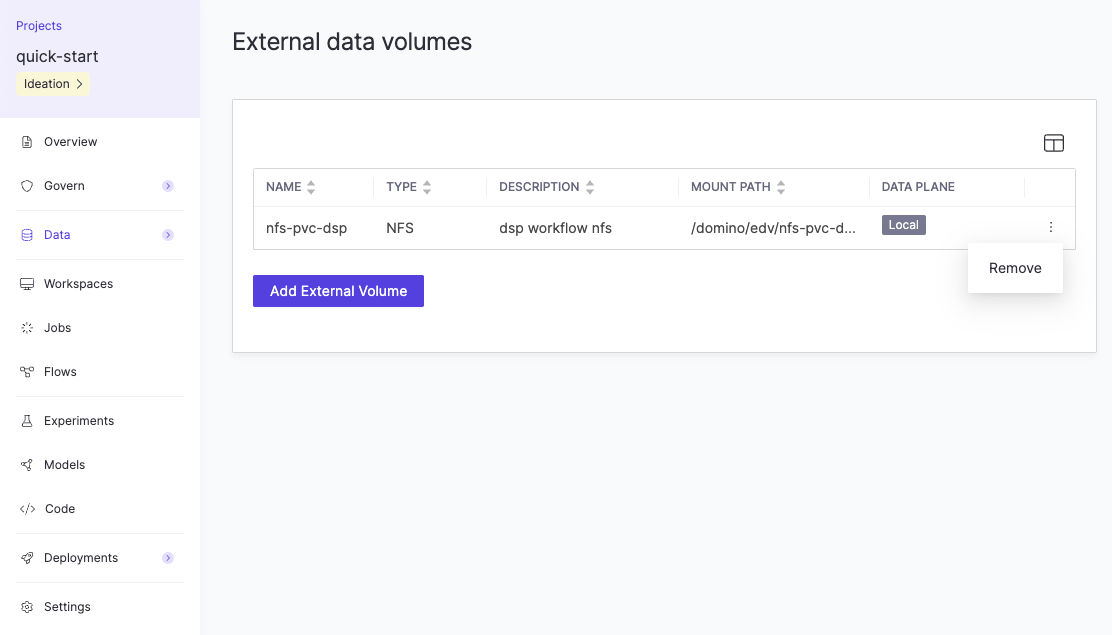
Click the three vertical dots at the end of the row for the volume in the table, then click Remove.
Use an EDV in a Project
By default, EDVs that are mounted to your project (and that you have access to) are also automatically mounted in supported executions. To access a volume in an execution, reference the mount path of the volumes. Choose to mount specific EDVs for your execution. The following example shows specific EDVs being selected in the Workspace startup modal.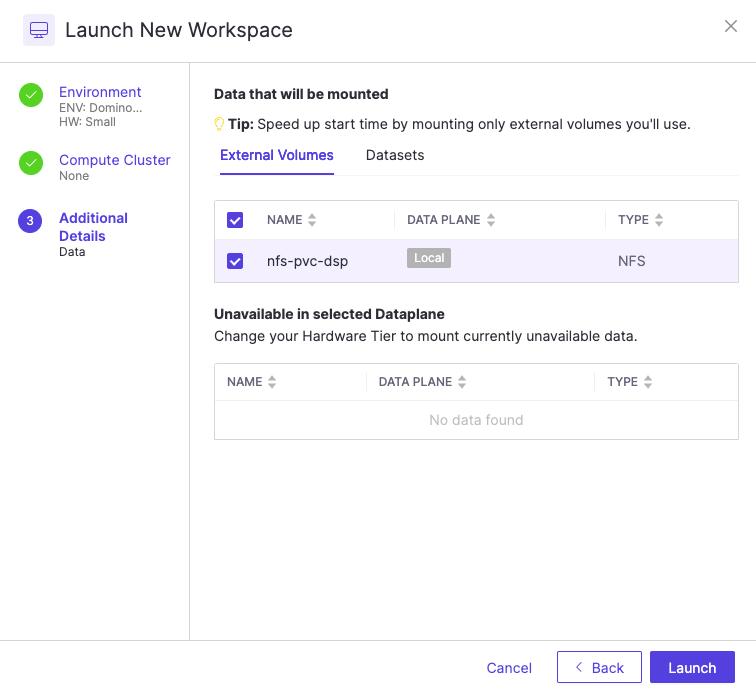
View all mounted volumes in a Project
In your project, go to Data > External data volumes. Each volume’s properties are shown in the table.- Name: An alias for the volume, set by your Domino administrator.
- Type: The type of volume. Domino supports NFS, AWS EFS, and Windows Share (SMB).
- Description: A description of the volume, set by your Domino administrator.
-
Mount Path: The mount path of the volume:
/domino/edv/name-of-volume. Use this mount path when using the volume in a Job, Workspace, or other supported Domino execution. - Data Plane: In Domino Nexus deployments, the data plane where the volume is mounted.
Next steps
- Learn about EDV security and sharing.