

Change a Project’s name
-
Go to the project’s Setting page under the Access & Sharing tab and enter a new project name.
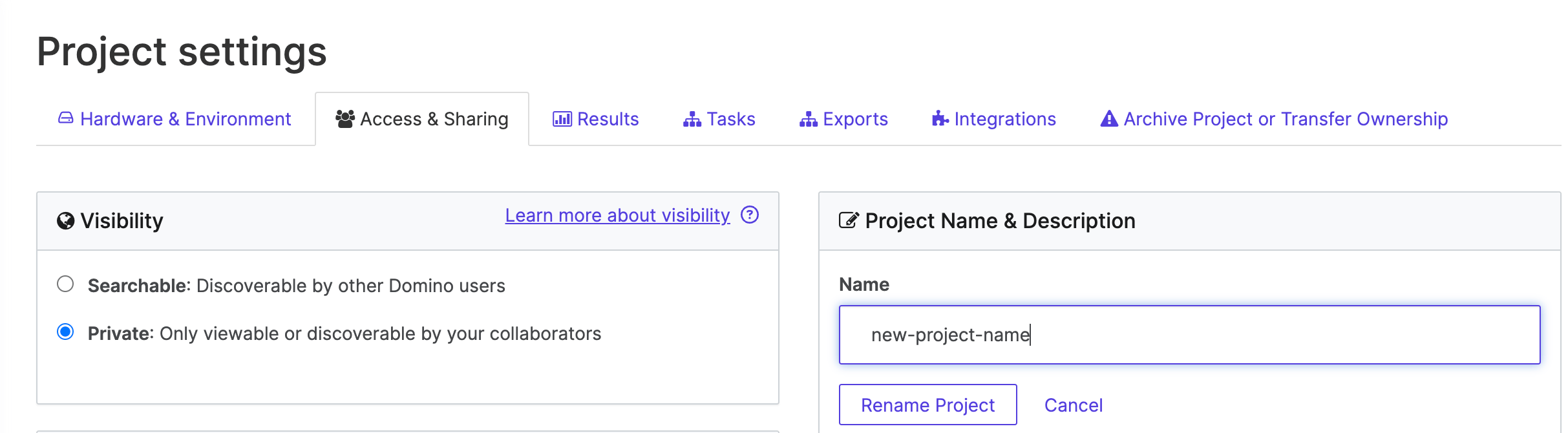
- When you finish entering the new project name, Domino will show you a warning. Read the warning carefully. If any of these events are unacceptable, click Cancel.
- If you want to proceed with renaming your project, click Rename Project to complete the process. Domino will rename your project, and you can continue working on it immediately.