

- Go to your project.
- In the navigation pane, click Code.
- Click the file to open it.
-
Click Compare Revisions.
Domino opens the file comparison tool.
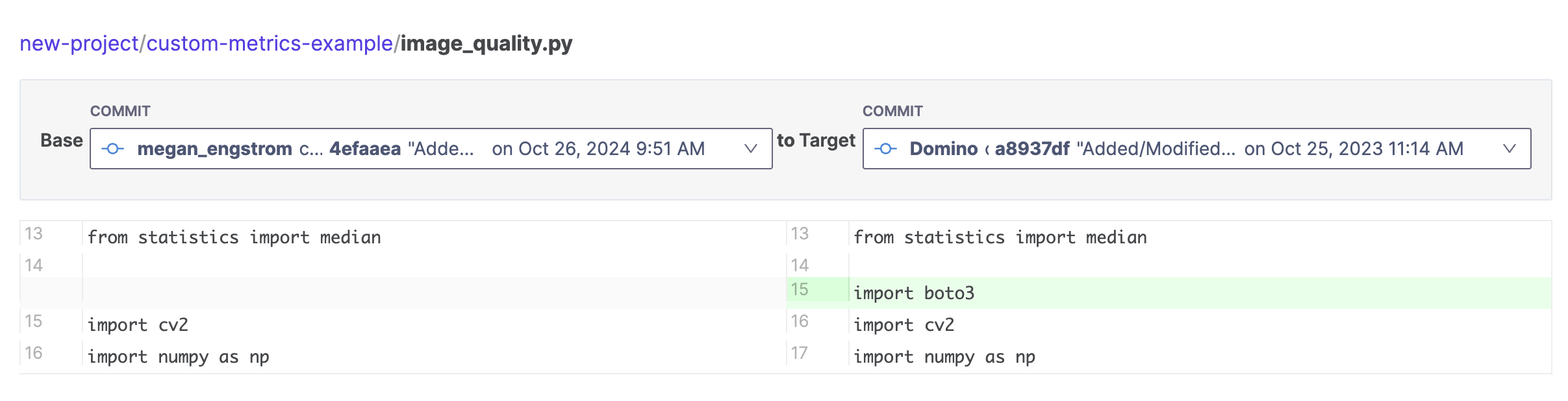
- The Base menu sets the starting version of the file for your comparison.
- From Target, select a version of the file to compare to the base version.
Manage Project files
Compare file revisions
Domino can create a rich comparison of the differences between revisions of a file in your Domino project.