

Use a Hadoop-enabled environment in your Domino project
If your Domino administrators have already created an environment for connecting to a Hadoop cluster, you can follow these subsections of the setup instructions to use that environment in your Domino project. For users setting up projects to work with an existing environment, read these subsections:- Configure a Domino project for use with a Cloudera CDH5 cluster
- Configure a Domino project for use with a Hortonworks cluster
- Configure a Domino project for use with a MapR cluster
- Configure a Domino project for use with an Amazon EMR cluster
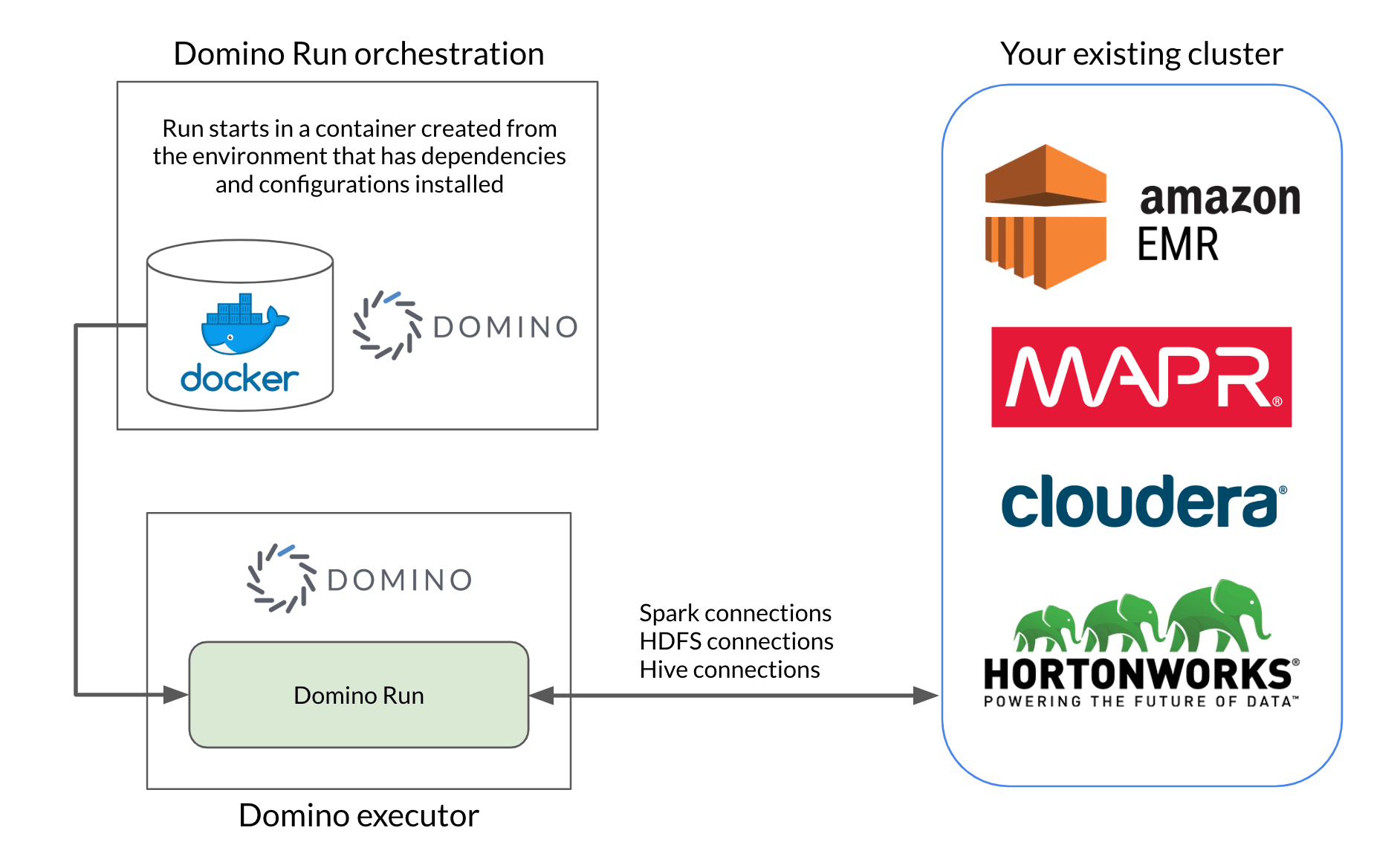
Set up Domino to connect to a new Hadoop cluster
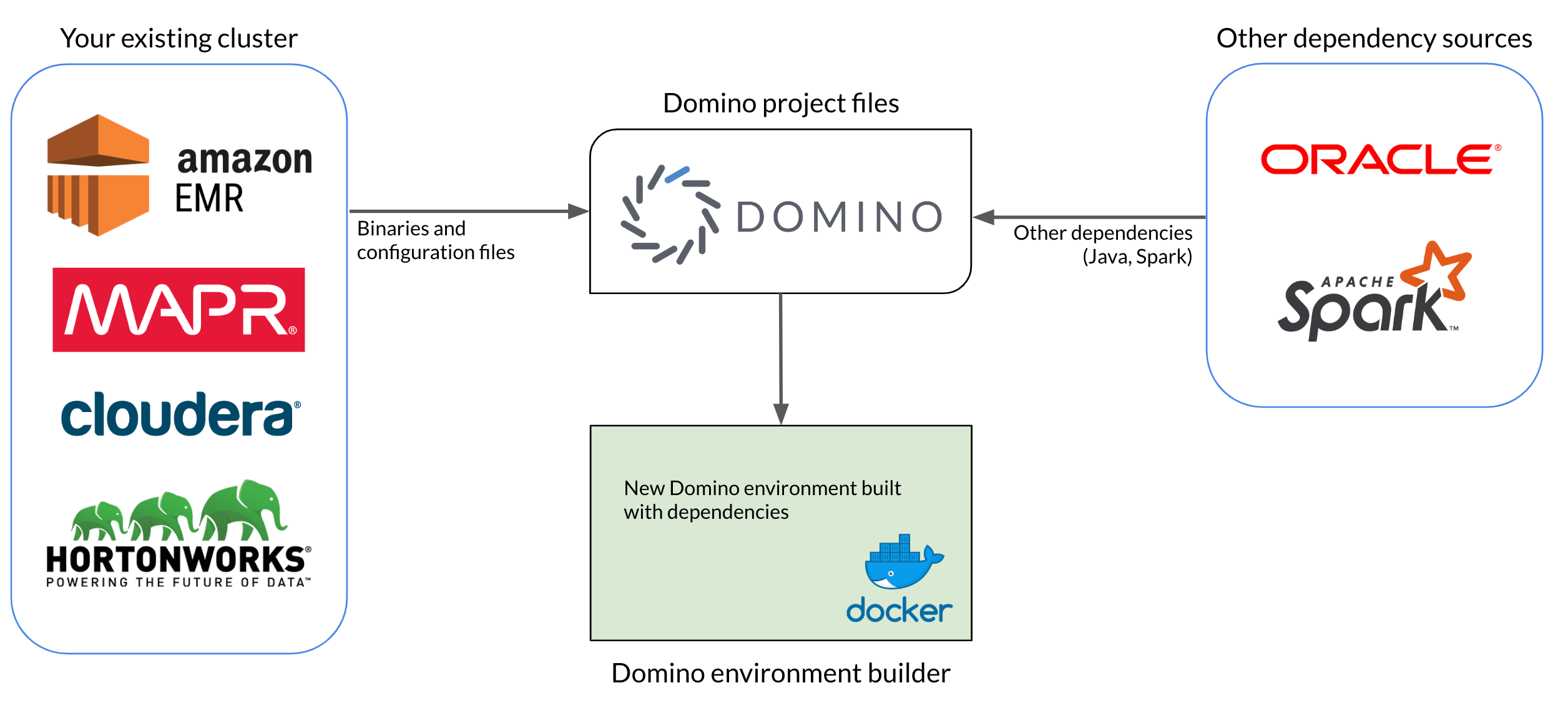
To connect to your existing Hadoop cluster from Domino, you must create a Domino environment with the necessary dependencies installed. Some of these dependencies, including binaries and configuration files, come directly from the cluster itself. Others are external software dependencies like Java and Spark, and you need to match the version you install in the environment to the version running on the cluster. The basic steps for setting up an environment to connect to your cluster are:- Gather binaries and configuration files from your cluster.
- Gather dependencies from external sources, like Java JDKs and Spark binaries.
- Upload all dependencies to a Domino project, to make them accessible to the Domino environment builder.
-
Author a new Domino environment that pulls from the Domino project, then installs and configures all required dependencies.
- Connect to a Cloudera CDH5 Cluster from Domino
- Connect to a Hortonworks cluster from Domino
- Connect to a MapR cluster from Domino
- Connect to an Amazon EMR cluster from Domino