

Prerequisites
Before you can start to use coding assistants in your workspace, you need:- A Domino account with access to create workspaces.
- A subscription to at least one coding agent provider (Anthropic for Claude Code, GitHub for Copilot, or OpenAI for Codex).
Step 1: Launch a workspace
- Open your Domino project (or create a new one).
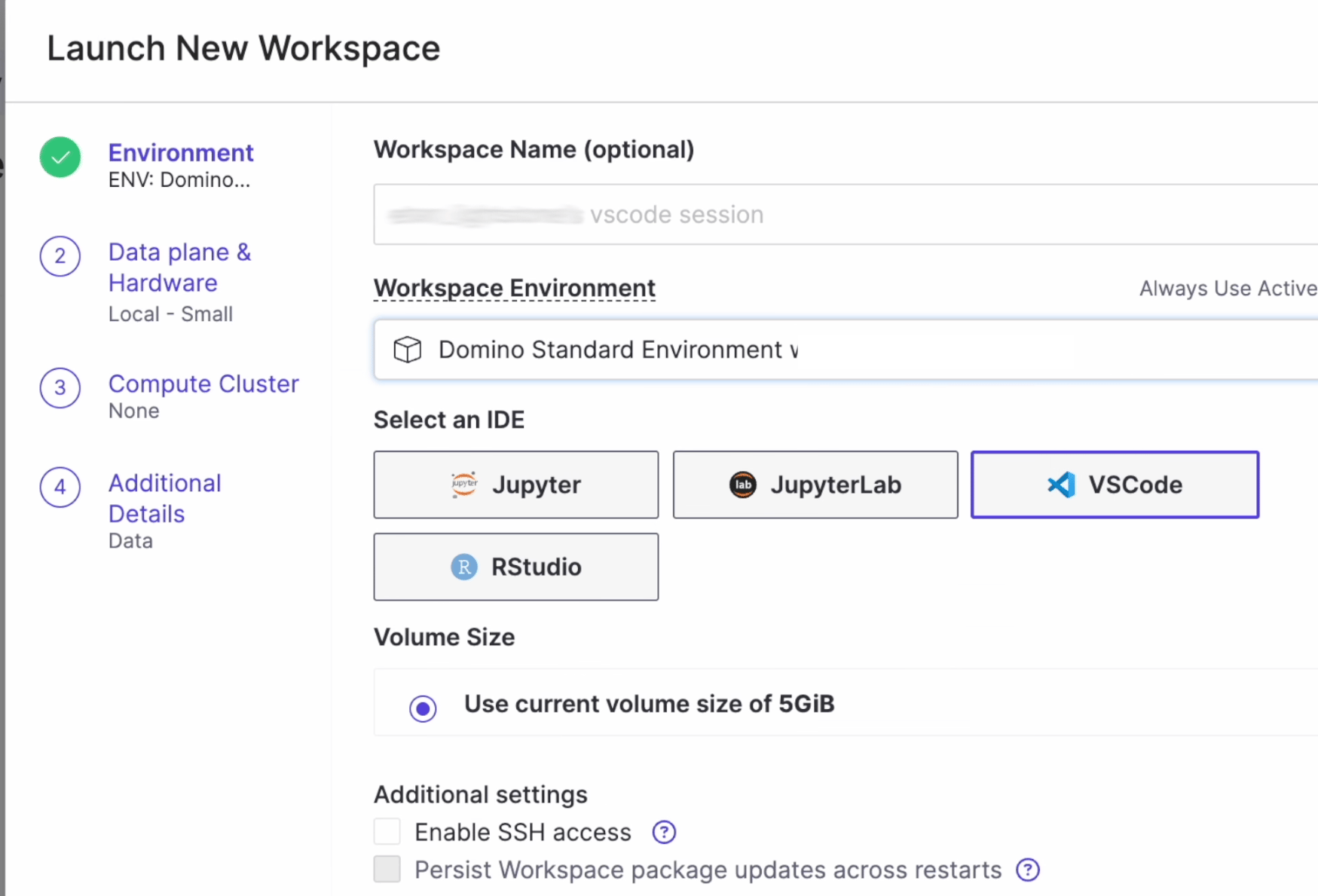
- Go to Workspaces and click Create New Workspace.
- Select the Domino Standard Environment, which includes all coding assistant tooling.
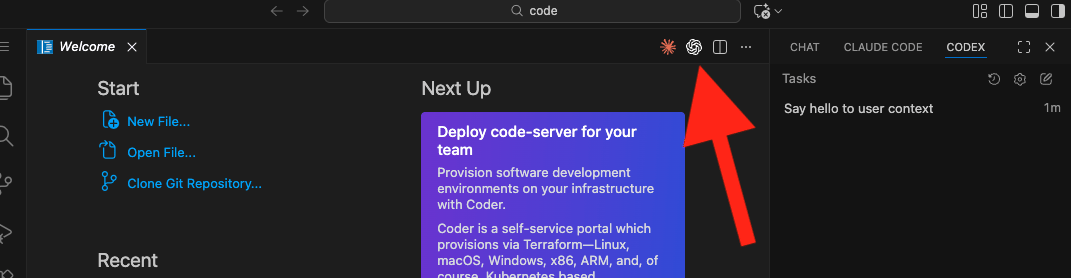
- Choose your IDE, such as VS Code, JupyterLab, RStudio, or Jupyter. In VS Code, all three agents come as extensions. For other IDEs, Claude Code and Codex work as CLI tools.
- Click Launch.
Step 2: Authenticate your coding agent
Each coding agent requires a one-time authentication with your provider account. Below are the steps for each agent:- Claude Code
- GitHub Copilot
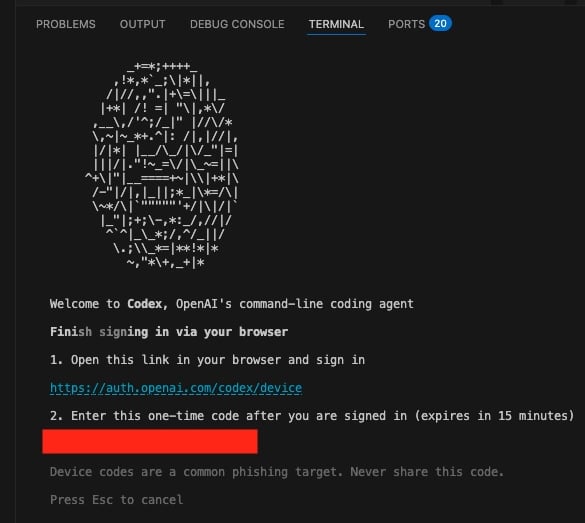
- Codex
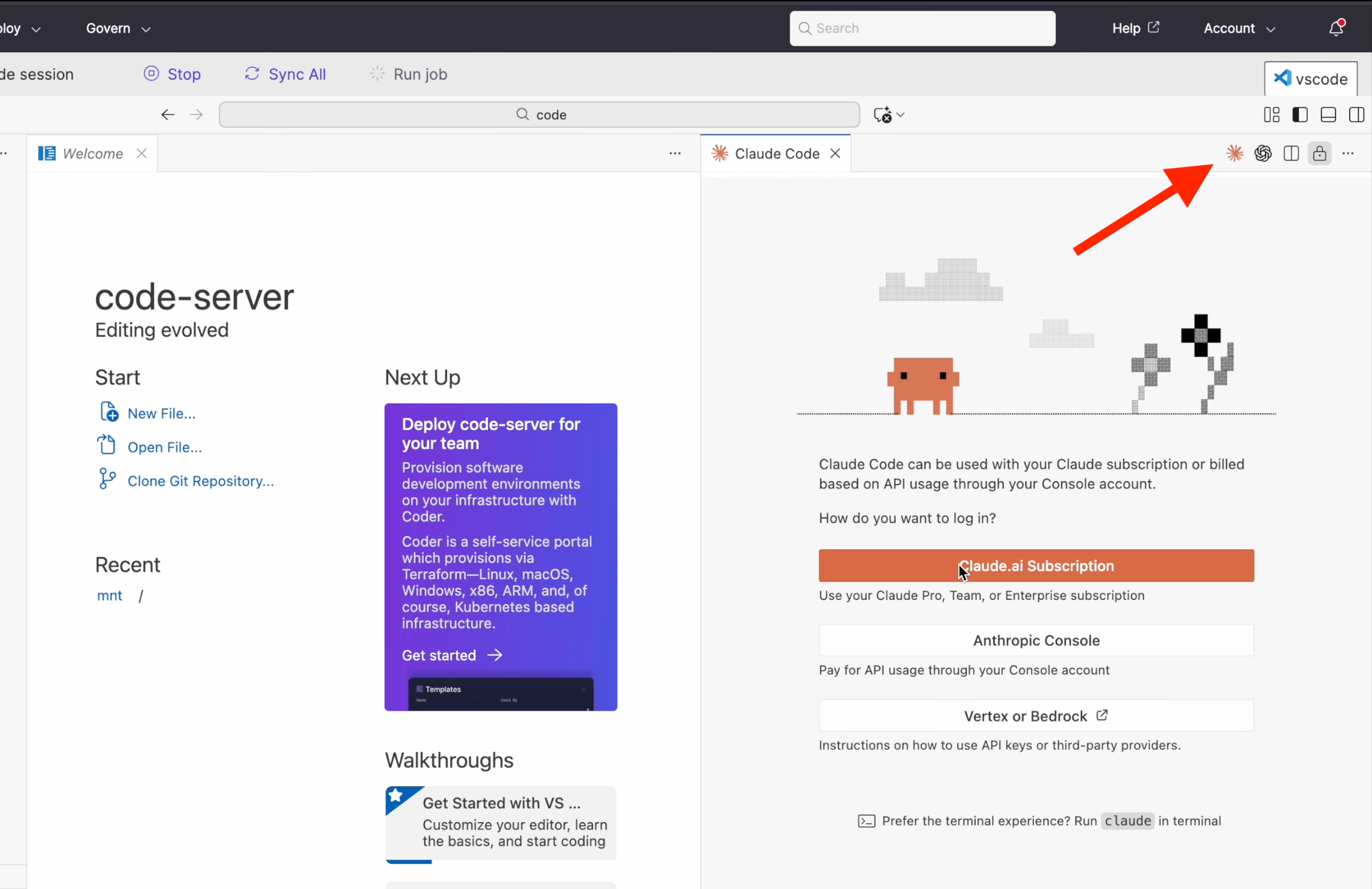
- Click the Claude Code icon (the orange asterisk) in the VS Code sidebar to open the Claude Code panel.
-
Choose your authentication method: Claude.ai Subscription, Anthropic Console, or Vertex or Bedrock.
-
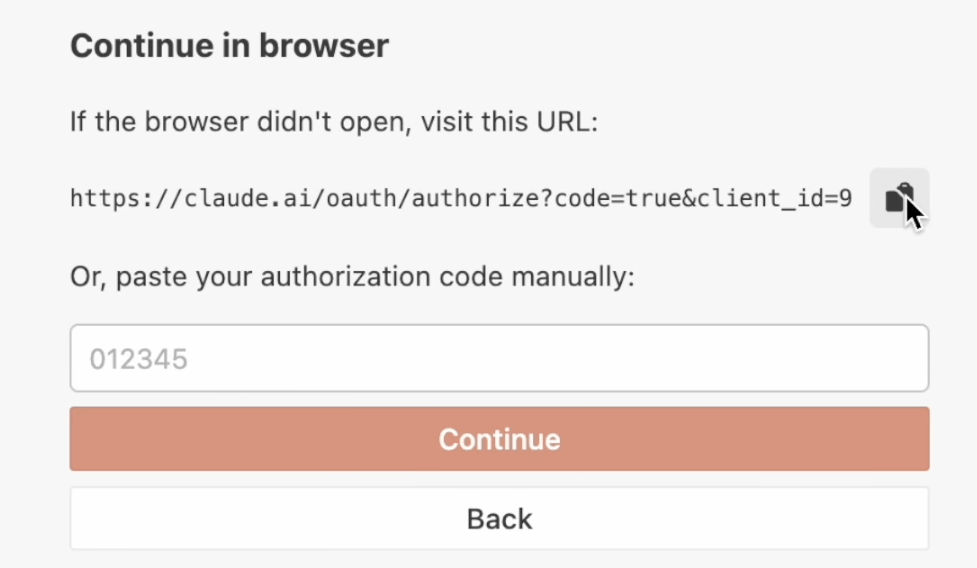
The panel displays a URL. Copy the URL and open the link in your browser to complete the OAuth flow.
- After you’ve authenticated in the browser, return to your workspace. Claude Code is now ready to use.
- The clickable link in the pop-up dialog does not work when you authenticate for the first time. Copy the URL manually and paste the link in a new browser tab.
- If the Claude Code extension panel appears blank, refresh your browser. The panel renders correctly after a page reload.
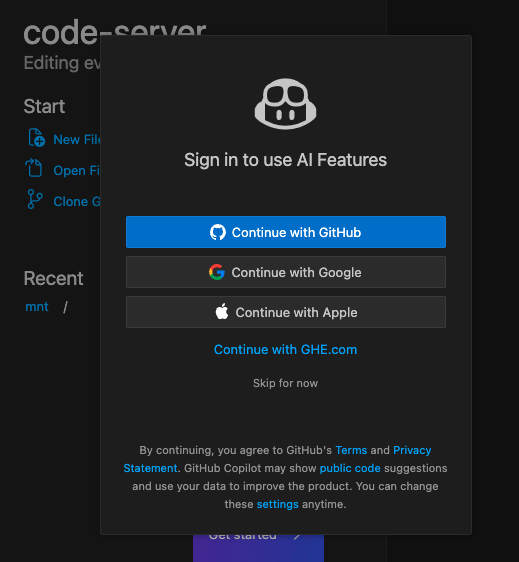
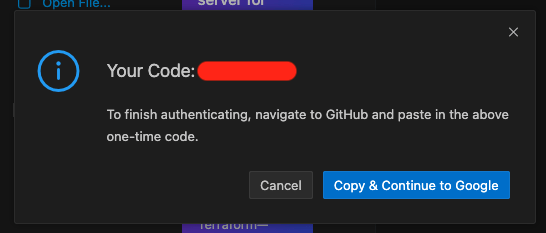
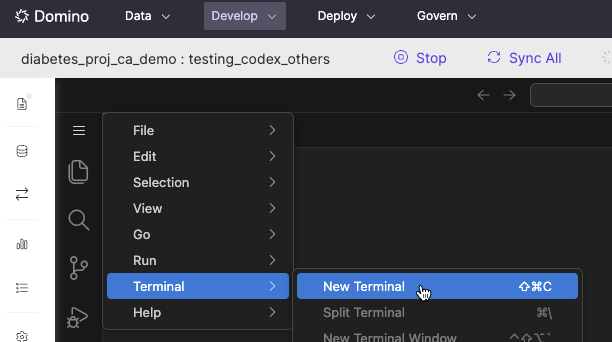
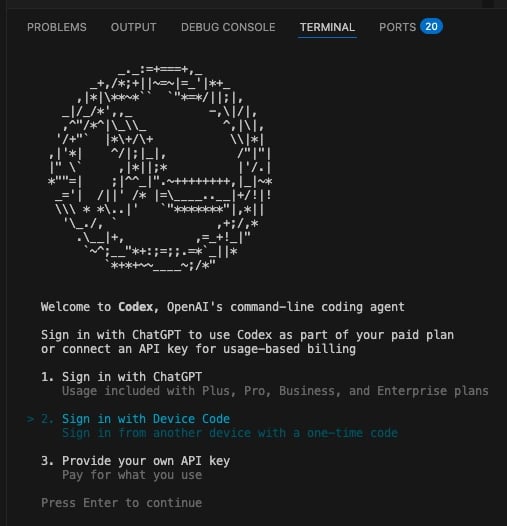
Step 3: Start to code
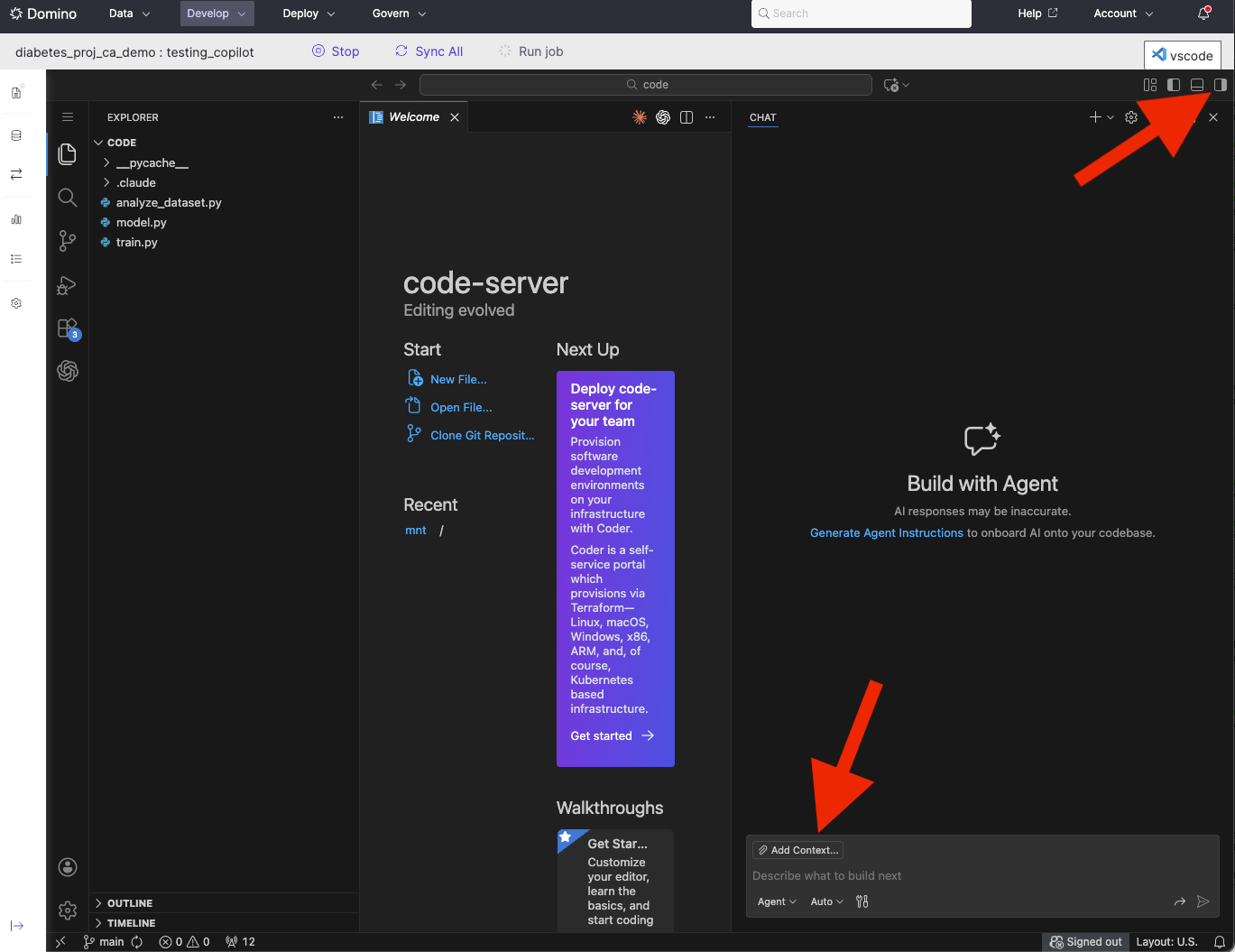
Your coding assistant is now Domino-aware and has access to Domino Skills for running jobs, registering models, tracking experiments, and more. Try asking your agent to explore the project files, analyze a dataset, or train a model. The modeling assistant walkthrough has a full example.Next steps
- Domino Skills: See the full list of Domino-specific actions your agent has access to.
- Modeling assistant walkthrough: An end-to-end demo of data analysis, model training, and comparison.