

Use Impala ODBC connector for Cloudera Enterprise with pyodbc
Domino recommends using the Impala ODBC Connector for Cloudera Enterprise in concert with the pyodbc library for interacting with Impala from Python.Environment setup
-
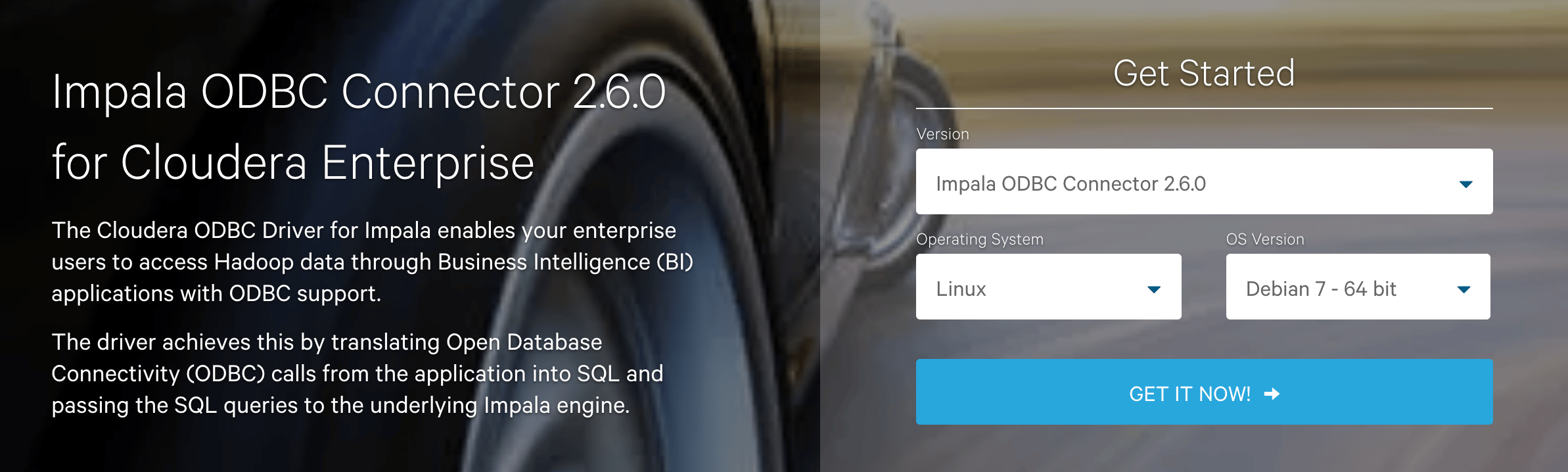
Visit the Cloudera downloads page to download the Impala ODBC Connector for Cloudera Enterprise to your local machine. For default Domino images of Ubuntu 16.04, download the 64-bit Debian package. Keep track of where you save this file, as you need it in a later step.
-
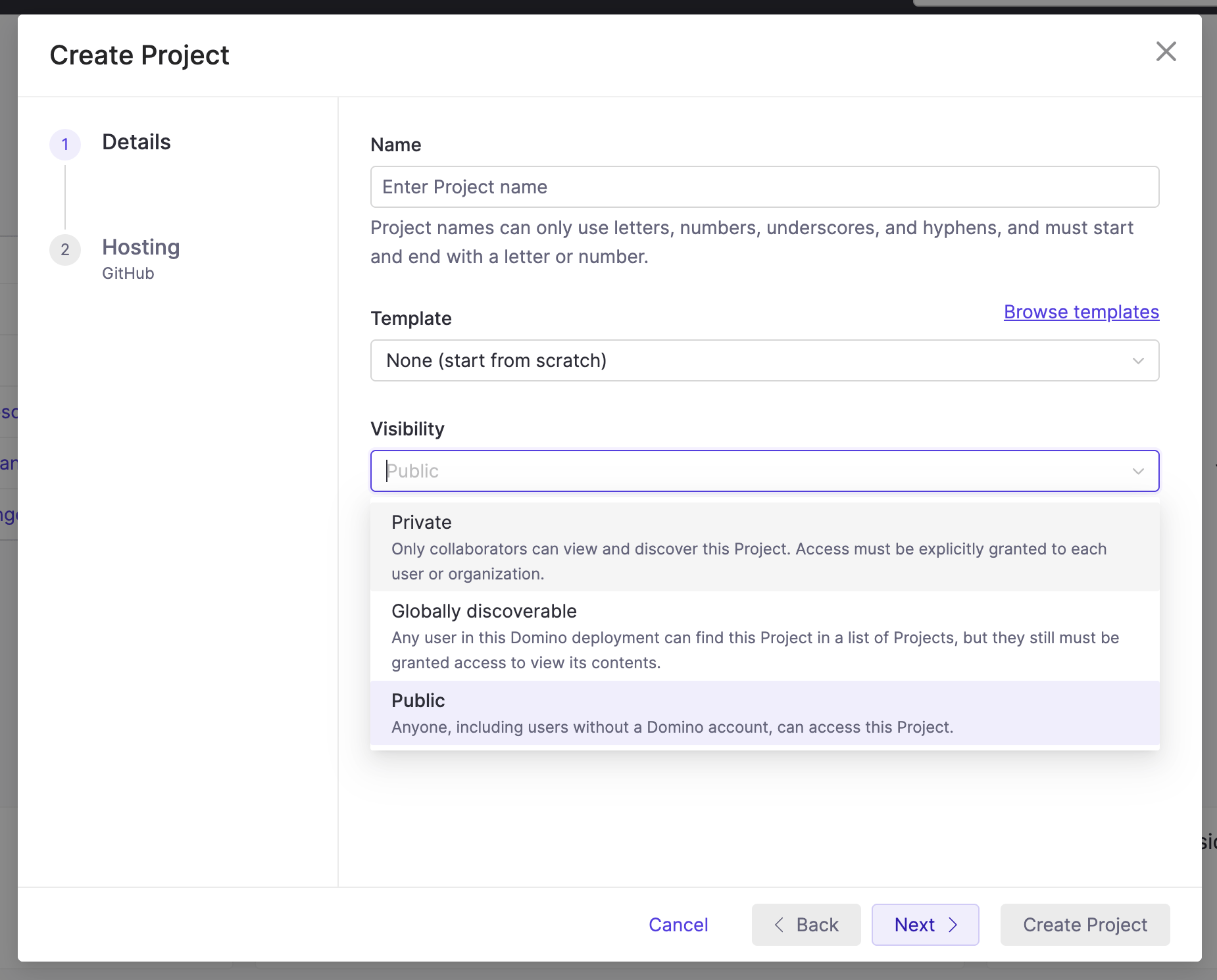
Create a new public project in your Domino instance to host the driver files for use in Domino environments.
-
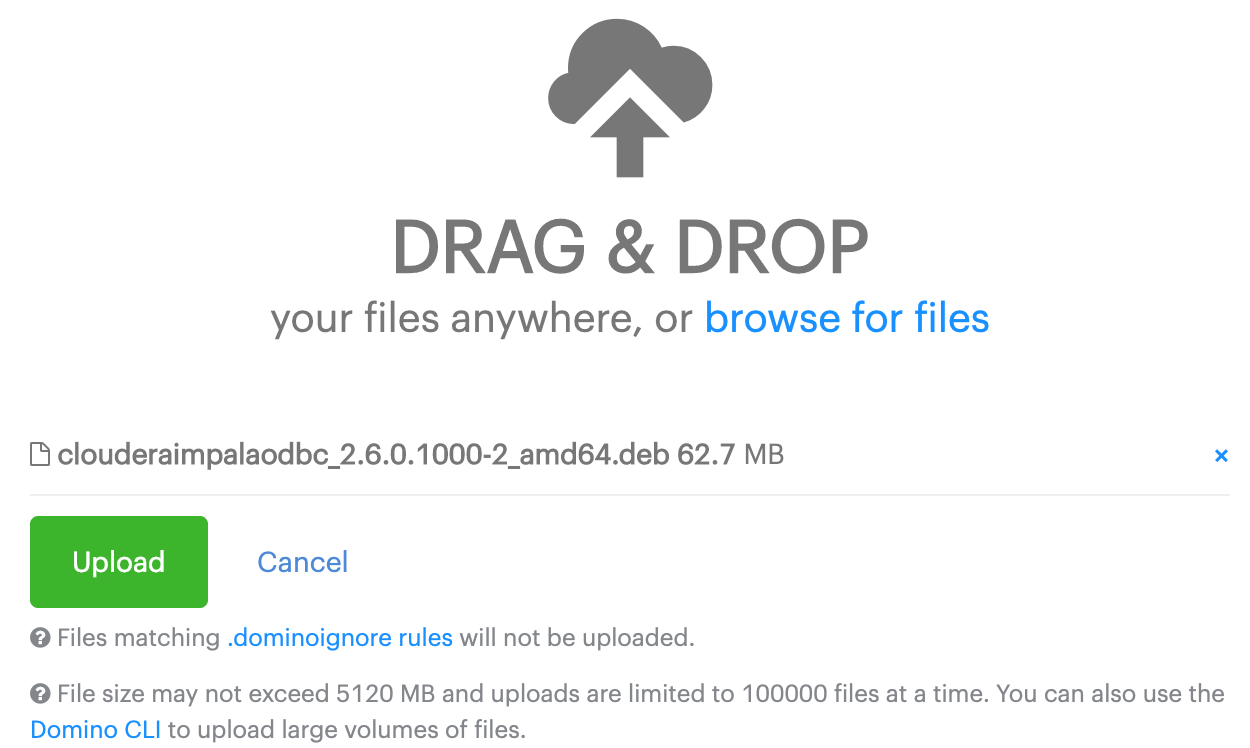
In the new project, click browse for files and select the driver file you downloaded earlier to queue it for upload. Click Upload to add it to the project.
-
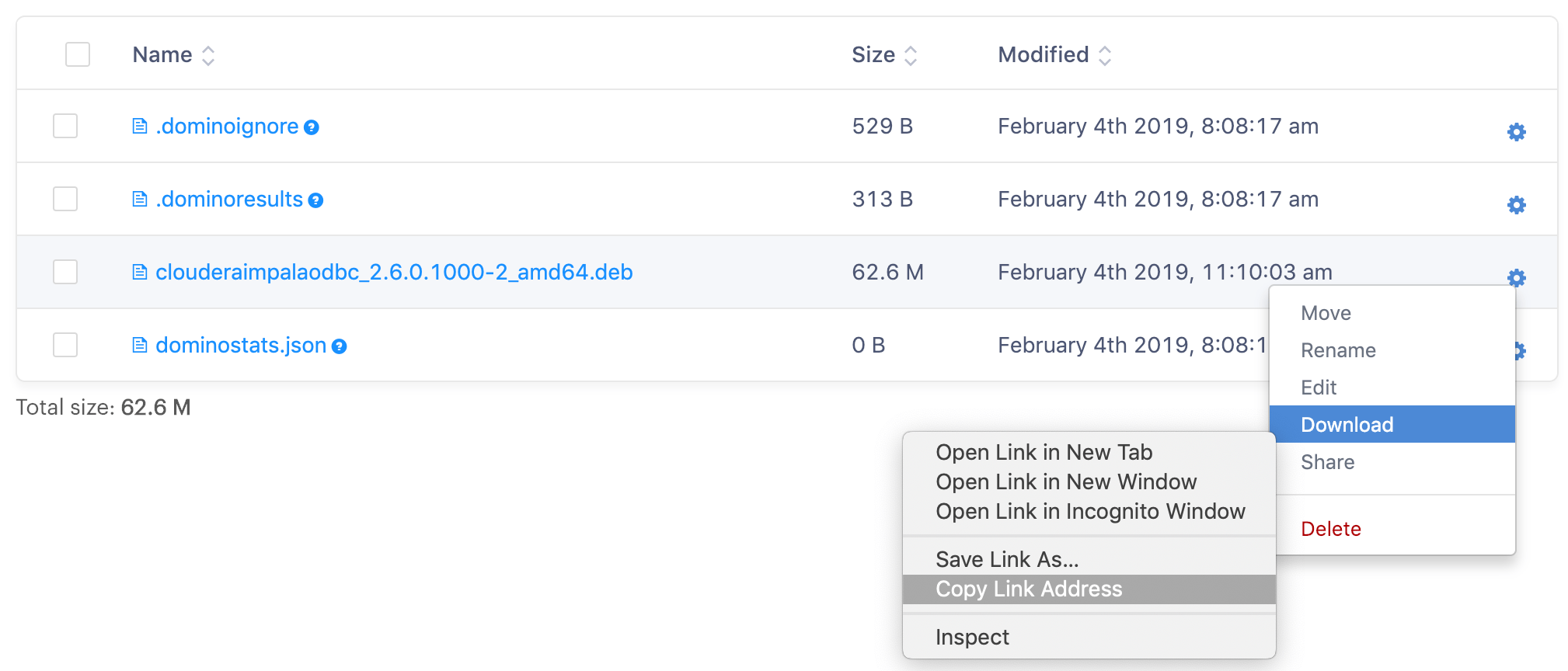
After the driver file has been added to your project files, click the gear next to it in the files list, then right-click Download and click Copy link address. Save this address as you need it when setting up your environment.
-
Add the following Dockerfile instructions to install the driver and pyodbc in your environment, pasting the URL you copied earlier where indicated on line 5.
Credential setup
Set up the following Domino environment variables to store secure information about your Impala connection.IMPALA_HOST
IMPALA_PORT
IMPALA_KERB_HOST
IMPALA_KERB_REALM
Usage
See the pyodbc documentation for detailed information about how to use the package to interact with a database. The following are some examples for how to set up a connection.Next steps
- Access external data directly: the general procedure, including where to store credentials.
- Compare direct connections with Domino Data Source connectors for supported data stores.