

Instrument your production app
Your production app code must include the@add_tracing decorator on the function that handles user requests. This enables Domino to capture traces from live interactions once the agent is running.
A typical production agent is a web app, such as FastAPI, where each request passes through a function decorated with @add_tracing:
DominoAgentContext is required during development to group traces into agent versions, but it is optional in production agent code. The @add_tracing decorator alone is sufficient to capture production traces.Deploy an agent
You can deploy an agent in two ways:- From Experiment Manager
- From the Apps view
After comparing evaluation runs and identifying a configuration you want to deploy:
- In your project, from the left navigation, click Experiments.
- Choose the experiment with the agent configurations you’re evaluating.
- Select the agent version you want to launch.
-
Click the Deploy Agent button:
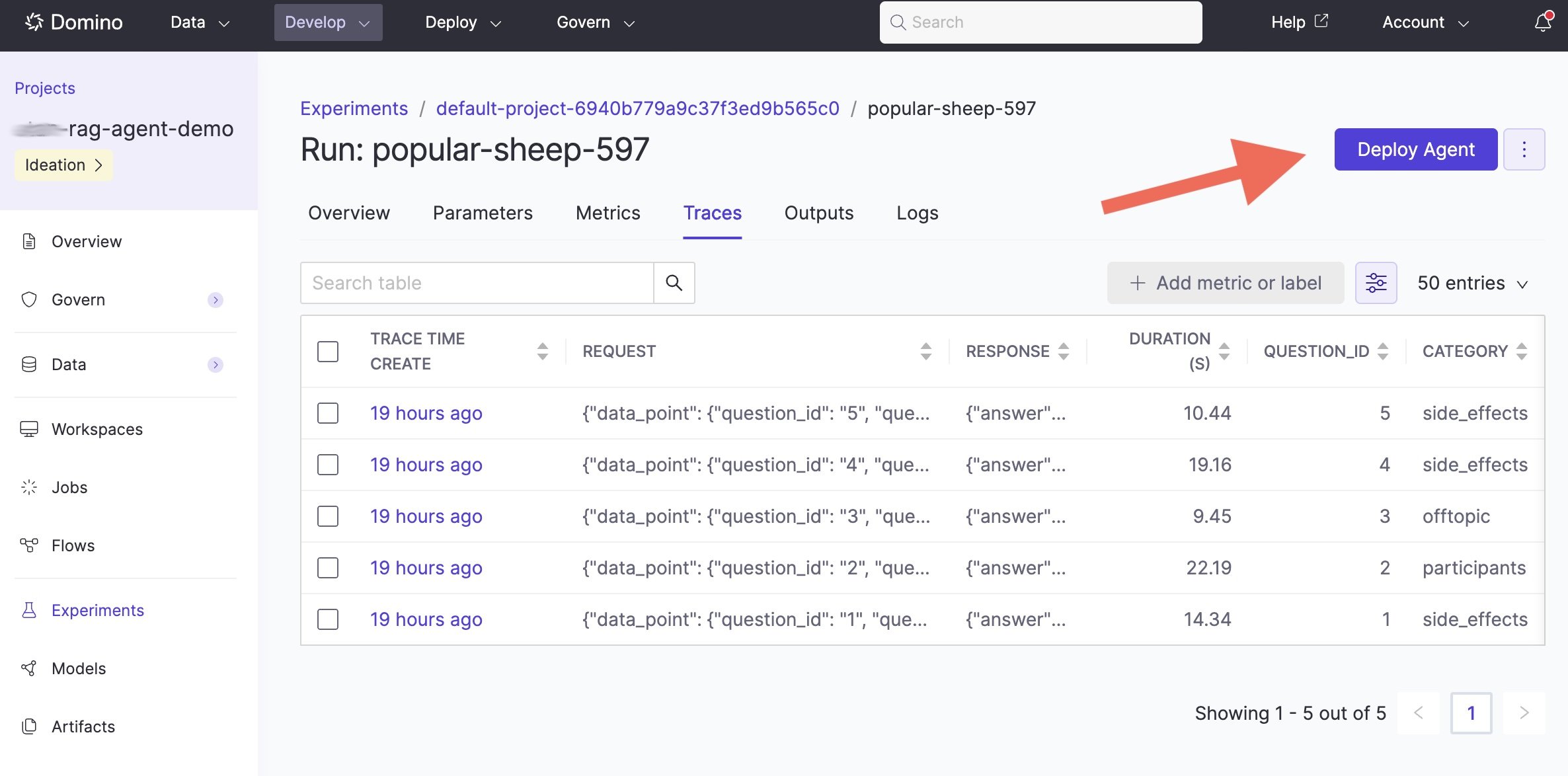
- A deployment wizard opens, similar to the Apps deployment flow. The wizard pre-fills the code commit from the selected run and prompts you to specify the entrypoint for your agent.
Next steps
- Monitor agentic systems: Track production performance and run evaluations.
- Experiment tracking and traces: Compare more configurations before deploying.