

-
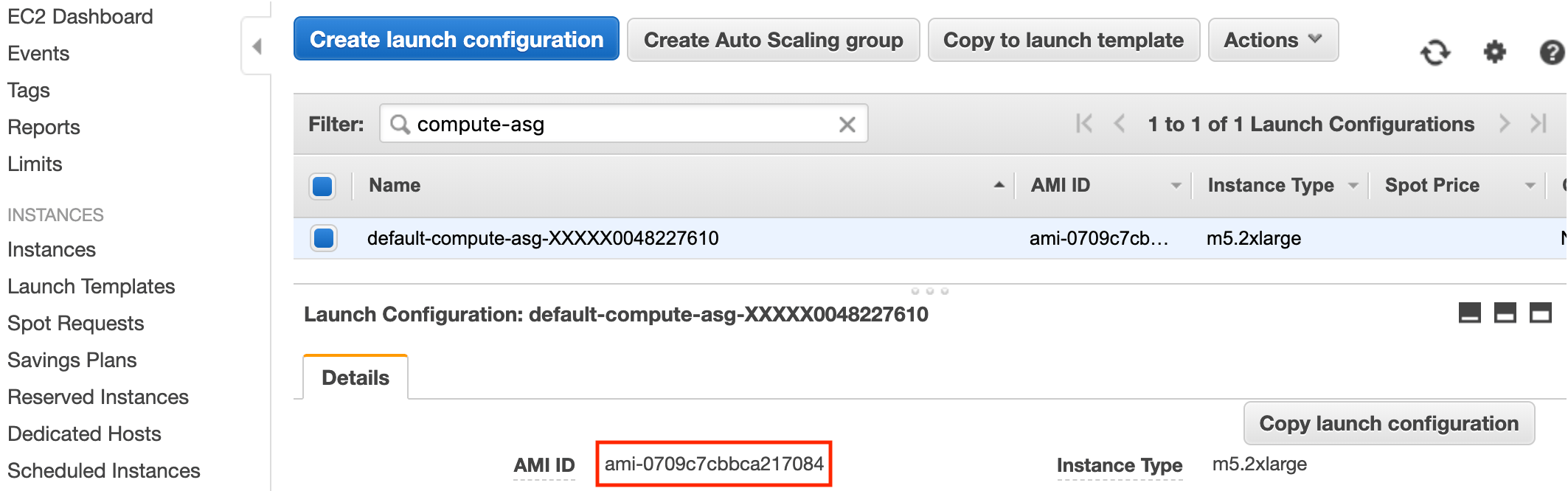
Determine which AMI you want to use as the base for the new AMI. If you’re performing this operation on an operational Domino node pool, you must use the AMI that’s currently used in the active launch configuration.
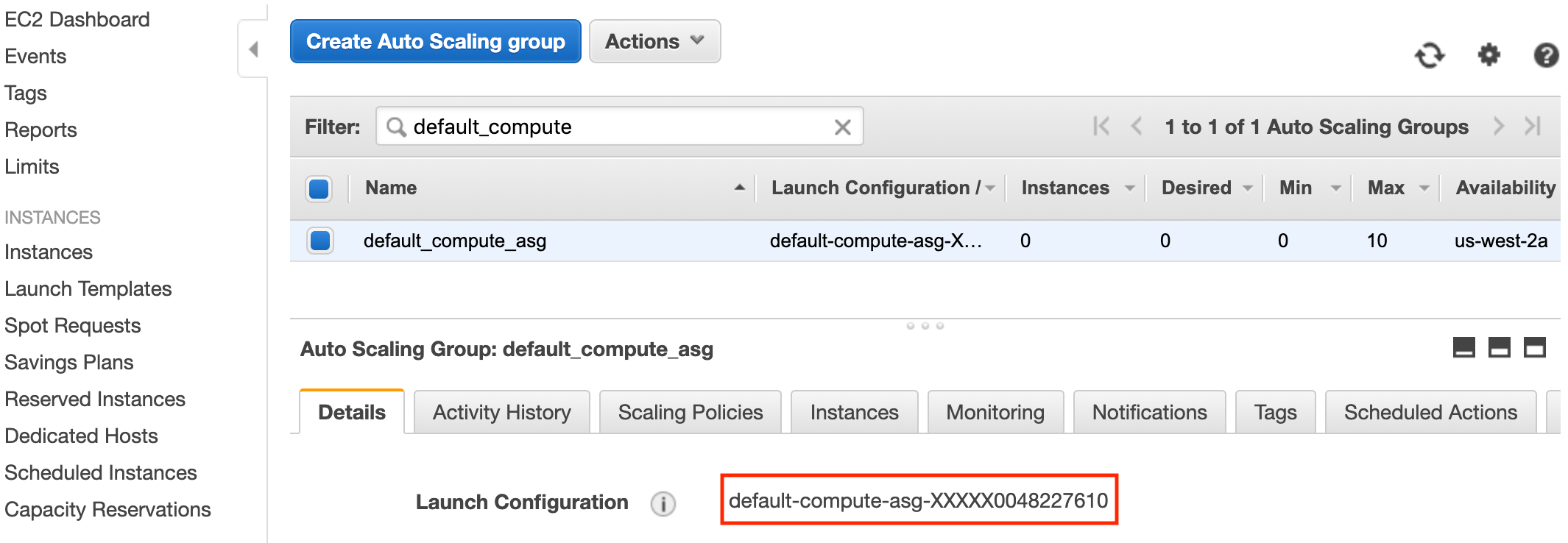
- Launch a new EC2 instance from the base AMI.
- Connect to the instance through SSH and perform any of the operations listed previously that you want to apply to your new AMI, including pulling any environment images you want to cache.
- Snap a new AMI from the EC2 instance.
- Create a copy of the launch configuration currently used by any ASGs you want to switch to using the new AMI.
- Edit the AMI for the copied launch configuration to be the ID of the new AMI you snapped.
- For any ASGs that you want to start using the new AMI, switch them over to the new launch configuration.
Cache Environment images in EKS
AMI caching
Cache Environment images in an Amazon Machine Image, update EKS Auto Scaling Group launch configurations, and reduce execution startup time.
Listen to this pageabout 1 min
Last modified on September 3, 2026
Was this page helpful?
⌘I