

Configure IP whitelisting
-
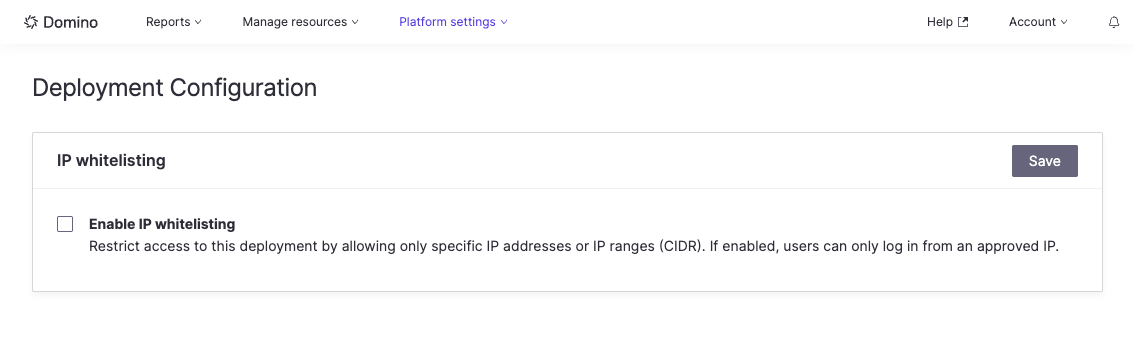
In the admin portal, go to Platform Settings > Deployment Configuration.
-
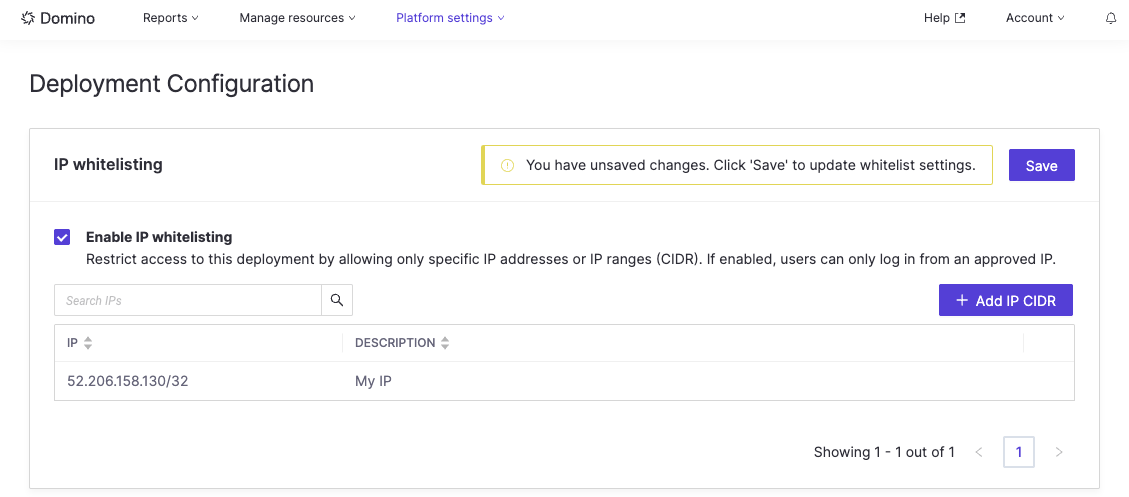
You can enable IP whitelisting by checking the Enable IP Whitelisting checkbox.
-
Click the Add IP CIDR button to create a new row where you can add the IP range you want to whitelist.
- Optional: add with a description.
- Click the green check to add the IP to the list.
- When you are done adding the IP ranges to whitelist, click the Save button to save your changes. The changes take effect approximately 10 minutes after saving.