

Create a BigQuery Data Source
- From the navigation pane, click Data > Data Sources.
- Click Create a Data Source.
- In the New Data Source window, from Select Data Store, select Google BigQuery.
- Optional: Enter the unique identifier for your project in GCP Project ID.
- Enter the Data Source Name.
- Optional: Enter a Description to explain the purpose of the Data Source to others.
- Click Next.
- Copy your Private Key (JSON format). See creating a service account for instructions about creating a service account and downloading the JSON credentials file. You must copy the entire content of the file. The Domino secret store backed by HashiCorp Vault securely stores the credentials.
- Click Test Credentials.
- When your Data Source authenticates, click Next.
- Enter the users and organizations who can view and use the Data Source in projects.
-
Click Finish Setup.
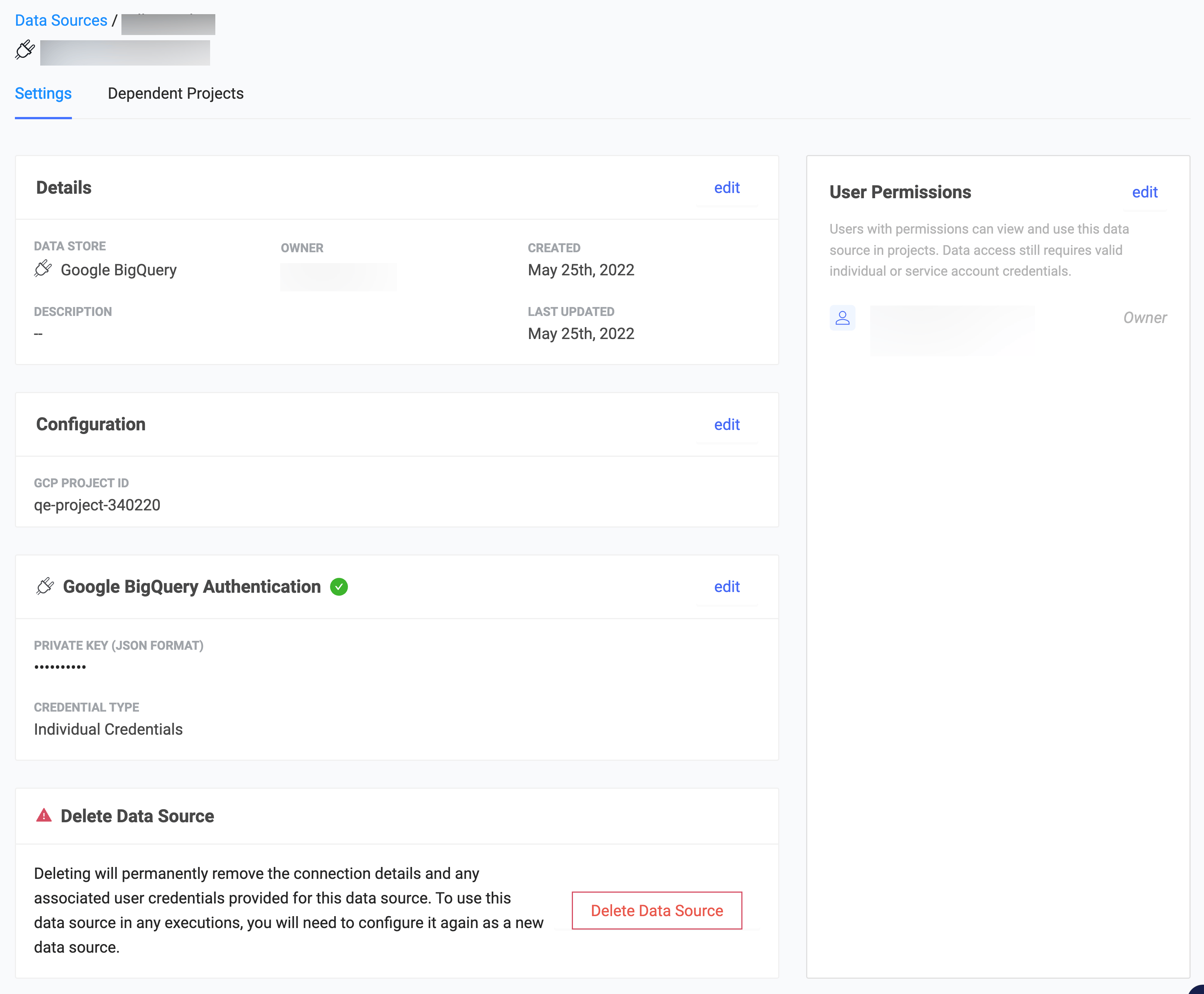
Alternate way to connect to a Google BigQuery Data Source
You can use the BigQuery API to query any Dataset and table to which you have access, whether it’s public or private, by authenticating with your Google Cloud private key.-
Go to Google’s Service Accounts page. Select a previous project or create a new project.
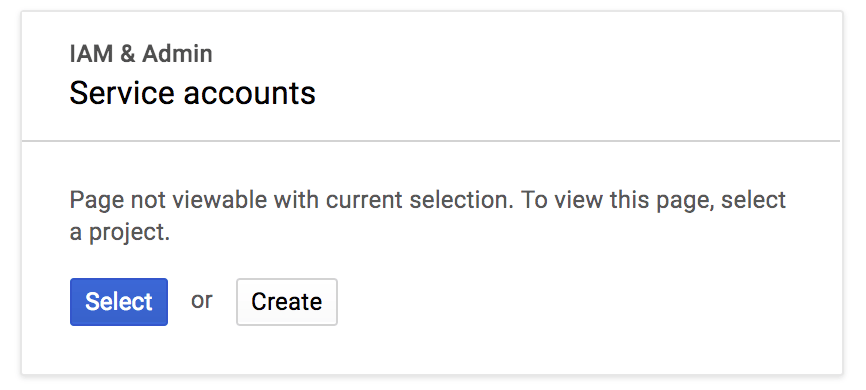
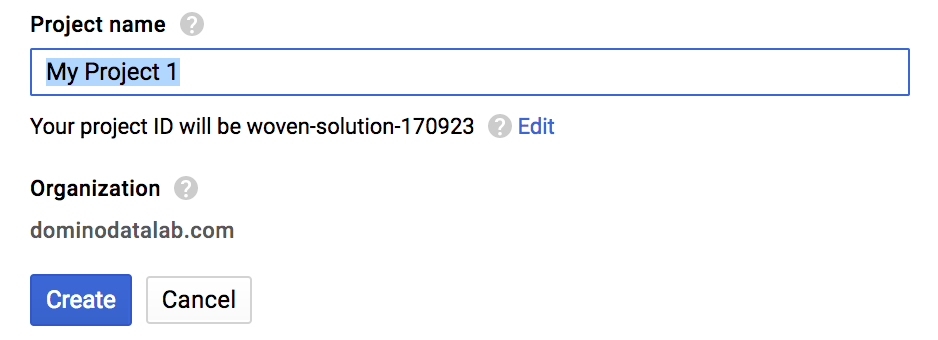
-
Create a Service account for your project.
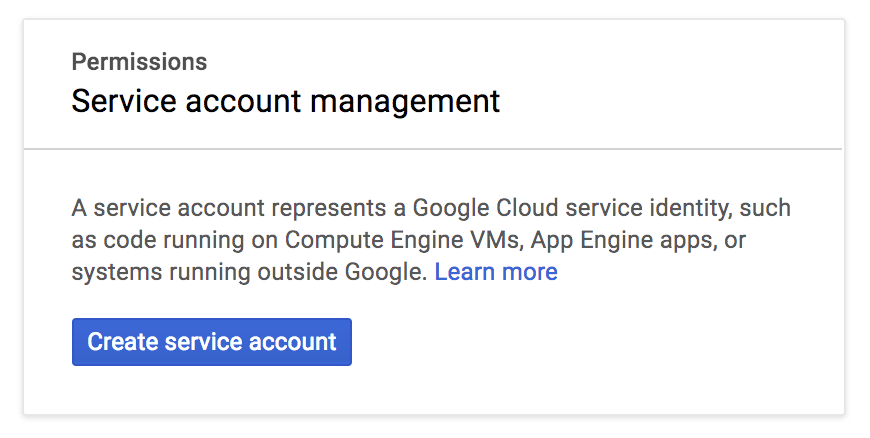
-
Define the access that the Service account must have to BigQuery. See Google’s Access Control documentation for more information.
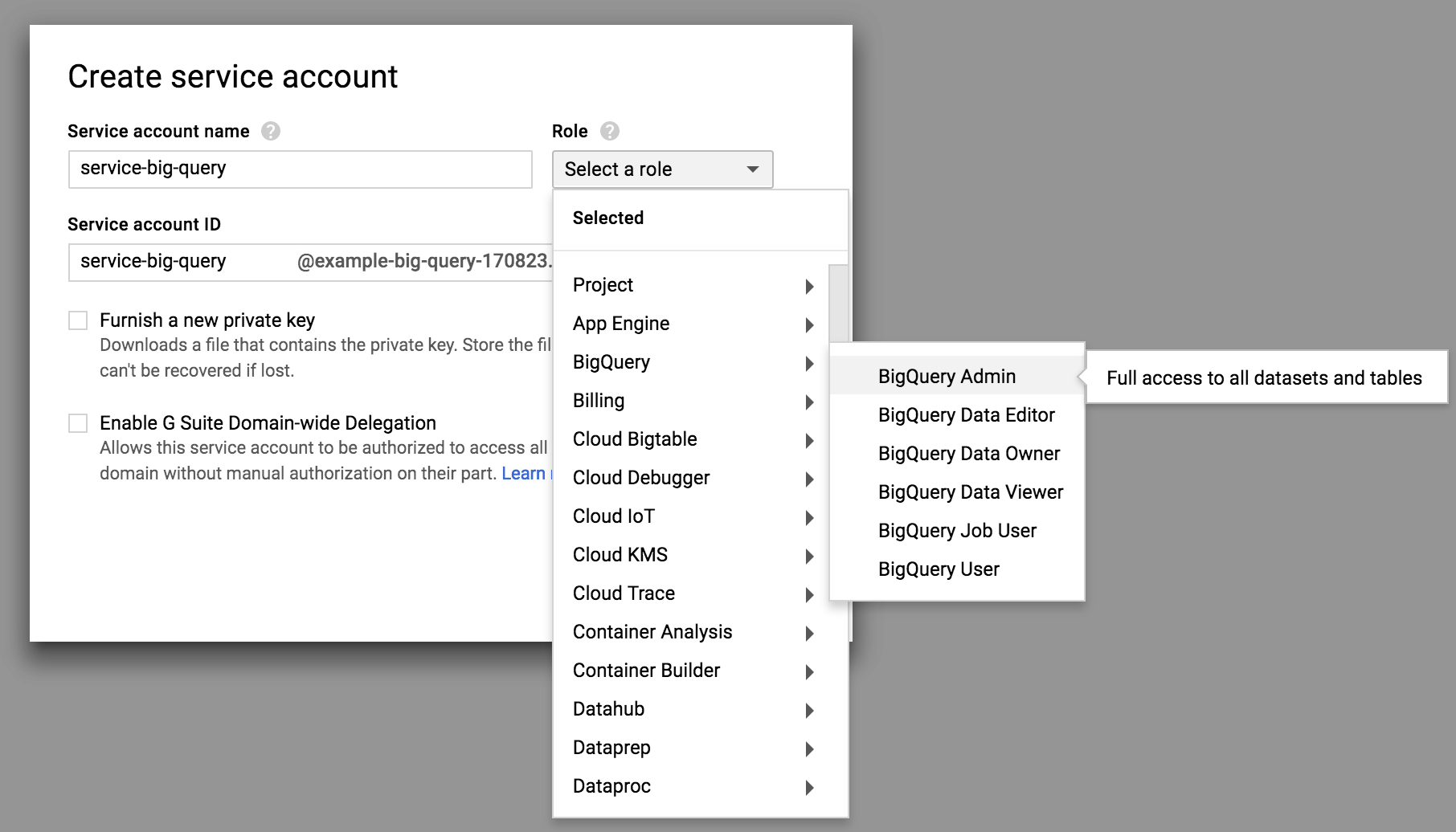
-
Confirm that your Service account has been created.
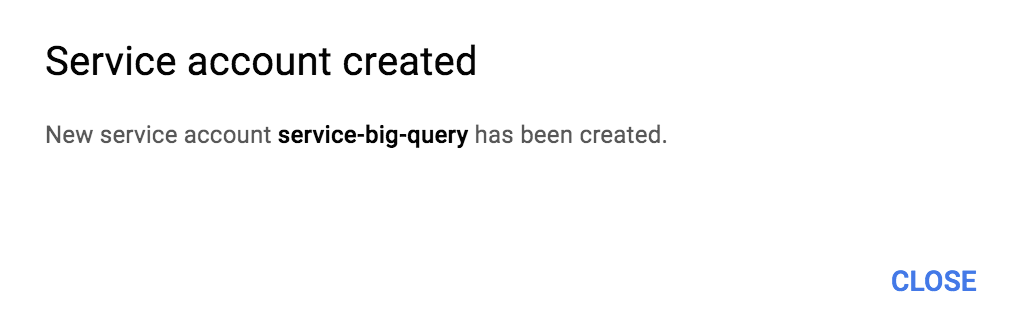
-
On the Service Accounts page, create a new key.

-
Download the JSON key and keep it in a safe place. You use this key later to programmatically authenticate to Google.
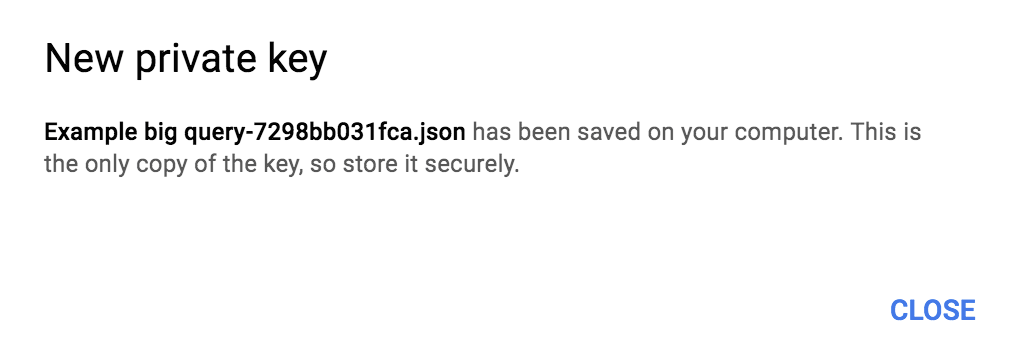
-
To enable the BigQuery API, click the Google APIs logo.
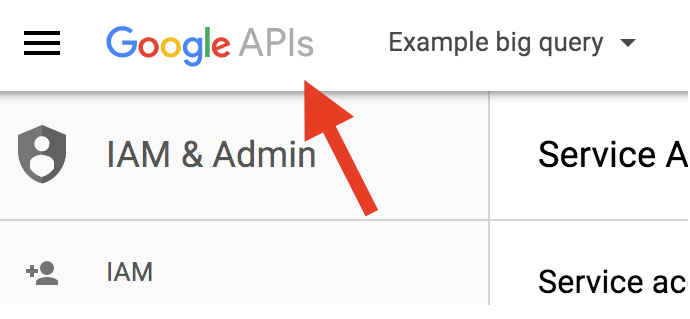
-
In the Library page, select the Big Query API.
-
If it is not enabled, click Enable.

Activate your credentials from Domino
Google Cloud uses the Google Cloud SDK to activate your credentials. This is already installed in the Domino Default environment. Execute the following bash command:Authenticate and query using Python
You need thegcloud and oauth2client==1.4.12 Python packages. Use the following package to install them in your custom Domino compute environment or in your workspace session.
Next steps
- After connecting to your Data Source, learn how to Use Data Sources.
- Share this Data Source with your collaborators.